12 Tools that Made a Difference in My Teaching Year
Rachelle Dane Poth spent a year testing a number of tools with her class to see which ones she felt were most useful to her students.
She came up with a list of 12 of the best tools for her students and has given a short description of each. They are well worth your time to check them out.
| |
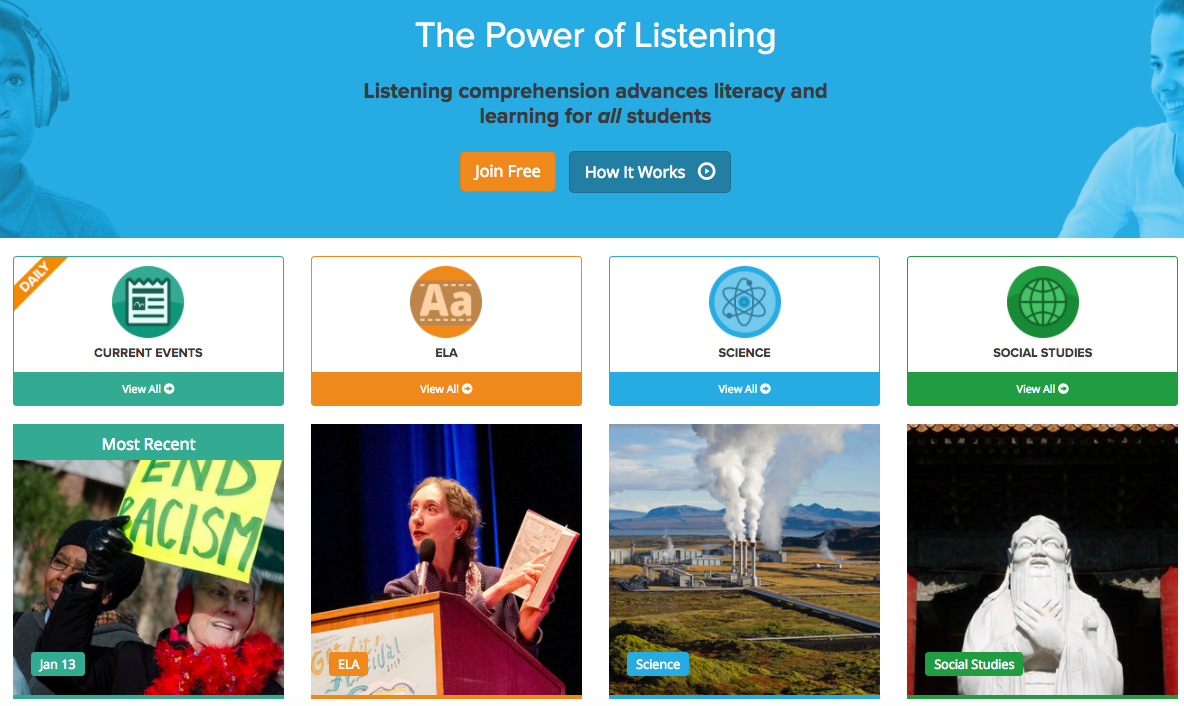
Listenwise
Listenwise is a fantastic tool for your classroom. Once your students have used their Google account to sign in there are a number of podcasts for your students.
| |
Fake Websites
Last week we looked at how to spot fake news and as a follow up we are looking at spotting fake websites this week. Share some of these fake websites like Dog Island with your students and see if they can tell that they are fake. Or share some real and some fake and see if they can tell.
|
Showing posts with label technology. Show all posts
Monday, 16 January 2017
Digital Bytes 16th January, 2017
Labels:
audio,
Fake News,
inforgraphics,
Listenwise,
piktochart,
technology,
websites
Monday, 28 September 2015
Digital Bytes 28th September 2015
This week we have an article about how multimedia storytelling can change people's perception and develop empathy, a post on a hybrid model of assessment, blending analog and digital tools, and a response to the OECD article that made the rounds a couple of weeks ago. Enjoy!
Labels:
assessment,
computers,
Digital Bytes,
multimedia,
storytelling,
technology,
writing
Monday, 4 May 2015
Digital Bytes 4th May 2015
Happy Star Wars Day! For this week's Digital Bytes, we feature Essentials for ePortfolios, an article from Scholastic on Twitter for Teachers, and 10 Techie Things to Try for those looking for a bit of inspiration. Enjoy!
Wednesday, 3 December 2014
Learning to Manage Distractions
One of parents' biggest concerns around student use of technology is that of distractions. The same tool we use to create and learn, can be used to entertain and derail productivity.So what are our options, as teachers? As parents?
We could create elaborate structures of control (blocking certain websites, turning off wifi etc), but that is only a temporary solution.
At UWCSEA, we prefer to educate students about distractions, with a view to creating informed citizens, who learn to manage their tendencies to get distracted. This is of course what all adults need to learn to do themselves...
This skill of self-management takes time to develop, and students need lots of opportunities to practice. They may well need frequent reminders throughout their schooling of techniques and approaches to reducing distractions, and this is where responsive teaching comes to the fore.
One of the ways we have begun to educate students about distractions is through the Personal and Social Education curriculum. Recently, I co-taught with a Grade 3 teacher, who was concerned her students were getting side-tracked with Google Chat, and who wanted some strategies for helping students remain focused during class.
When I walked around the room, I asked if I could borrow a few students' computers to show the class. Here's what we found: