Showing posts with label ebook. Show all posts

Wednesday, 22 February 2017

Friday Friendly Advice: Google Slides to co-author an eBook?


Google is great and getting better and better.

Did you know you can change the size of a slide in Google Slides to build an eBook?


STEP ONE: Go to file, and select 'Page Setup'


STEP TWO: select 'custom' and resize your slide


STEP THREE: edit your book, set up a template and share: you can now collaboratively co-author an eBook


While there isn’t an automatic table of contents generator you can build this in yourself.

You can link your table of contents to the slide/page by going to Insert>Link and then simply select the slide number.

If you would like to print a hard copy, remember that you can always save your Google Presentation as a PDF, this option is under FILE.


But wait, there's more...

You don't have to start from scratch.  SlidesCarnival has an amazing assortment of templates, just like this one.

Make a copy of any template, and follow the directions above to resize and off you go.

I need great images, but I find attribution a bit tricky...


Use Pexels--wonderful free to download images, no attribution necessary--and you can modify or edit images as needed (read more on that here).

Here's a sample image from their collection:


Monday, 16 May 2016

Digital Bytes - May 16, 2016


Great Apps for Book Creator

Book Creator is a fantastic app and one that we use across many of our grade levels.

This page shares 11 great apps that you can use in conjunction with Book Creator. There are some great examples like creating animations in Explain Everything and then importing those movies into Book Creator.
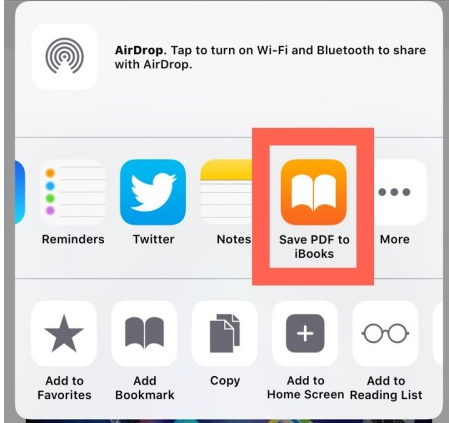
Save Web Pages as PDFs to iBooks

A great way to share the content of a web page with students is to save the web page as a PDF in iBooks. The Book can be view on an iPad or on a Macbook.

Combine this with reader view and the PDF will be free of distractions. One thing to be aware of is that links in the PDF will not work so students will have to stay in the text.
Blendspace

If you like Padlet, you may want to have a look at Blendspace.

They work in the same way, but Blendspace allows other users to comment on what you post.

Monday, 9 May 2016

Digital Bytes - May 9, 2016


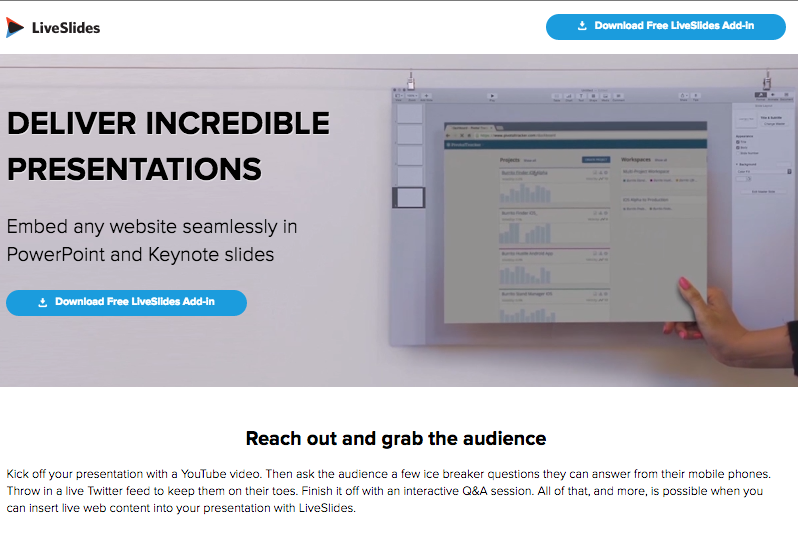
Live Slides

Live Slides is a great tool for embedding live webpages into your Keynote presentations.

You could include an internet based poll like Poll Anywhere, a Prezi or any number of live webpages.
Livbits

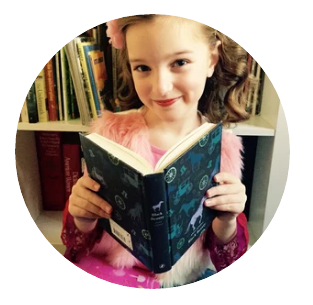
A fantastic example of someone who wants to share her passion for books with the world is Livbits.


A great example of video review Mentor videos for young kids.
Six-Word Story, Six-Unique Shots

In the world of micro writing of tweets and instant messaging, 6 words stories are a great form of succinct storytelling.

Ernest Hemingway's famous 6 word story is a great example: “For sale: baby shoes, never worn.”

This free ebook will get you started in the world of six word stories.