Showing posts with label Pana. Show all posts

Monday, 28 November 2016

Digital Bytes - 28th November, 2016


Coding apps available on iPads

We already have a number of apps available to support coding on our iPads.
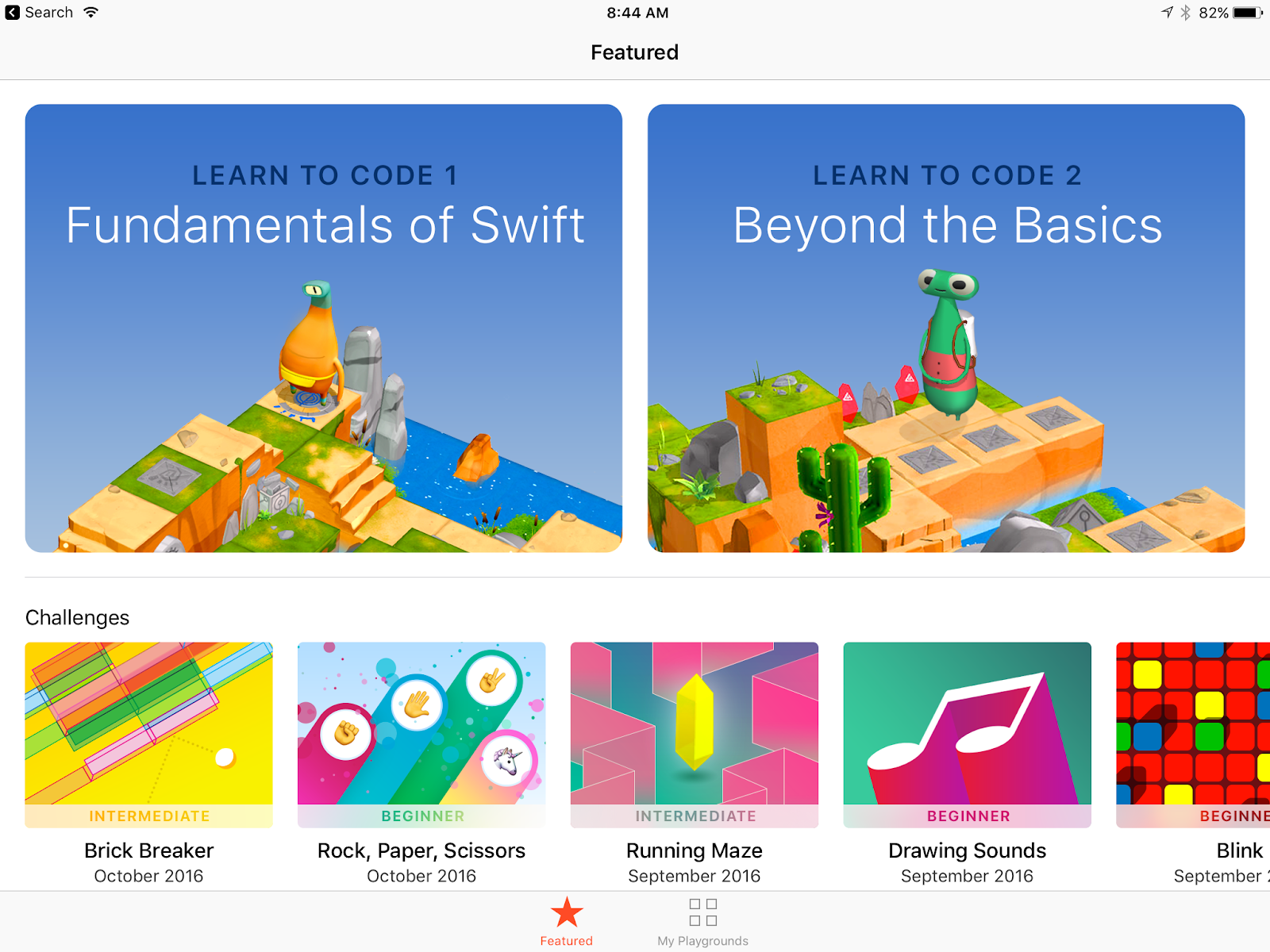
Starting with Scratch Jr and Daisy the Dinosaur on Infant iPads and then Hopscotch there is something for everyone. If your iPads are updated to iOS 10, you can use Swift Playgrounds which is great for grades 3-5.
Unplugged Activities

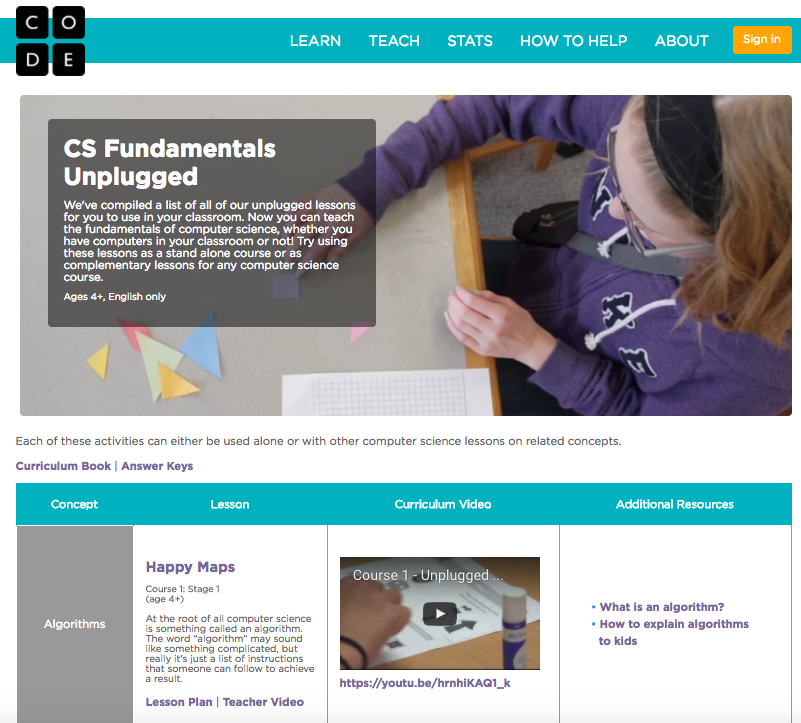
You don’t need to be on a device to learn the fundamentals of coding. Code.org has a whole section of unplugged activities.

They also have a mix of unplugged and computer based activities for 4-6 year olds like Move it, Move it and Plant a seed.
There are also loads of age appropriate activities for grade 1 or older. For students in grade 3 or older, there are two options available called course 3 and course 4.

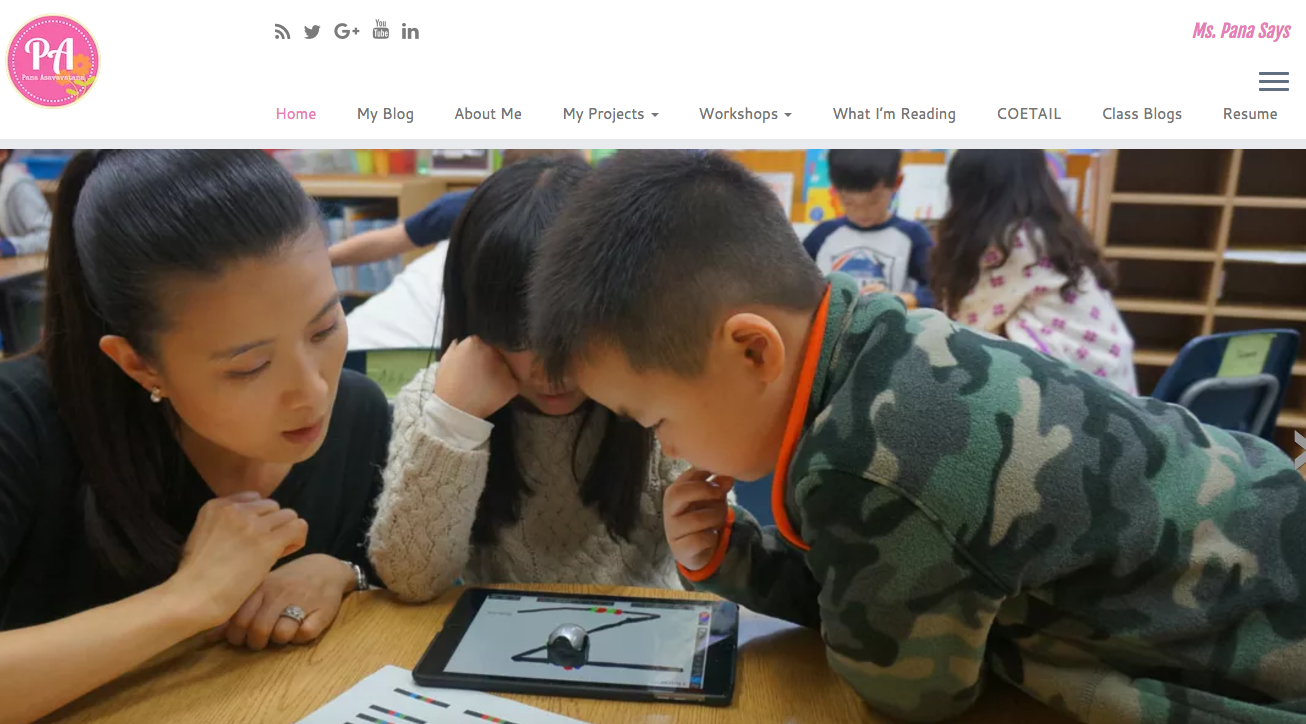
Pana is an early years educator, an Apple Distinguished Educator, a Book Creator Ambassador and an accomplished speaker and presenter.
She in an expert in supporting teachers to integrate coding into their classroom and has initiatives like Kids Kode Exchange, using Ozbots, animal habitat robots, and many more. She does an amazing job sharing what she is doing so others can follow along.

Monday, 30 November 2015

Digital Bytes November 30, 2015


flickr photo by rahego http://flickr.com/photos/rahego/5509227208 shared under a Creative Commons (BY) license
Making Icon-nections - An Inquiry Into Icons
Integration Specialist at Taipei American School, Pana Asavavatana, has written an excellent post about getting young students inquiring into common icons across core apps her school uses. Workflows, student samples and clear instructions will help you follow along easily. Kindergarten and Grade 2 modifications are included in her post. Check it out!
Split View and Slide Over
A great new feature in the newest iOS for iPads allows you to do have two windows open and running at the same time.
Depending on the app, you can adjust the size of the windows so they are split half and half (split view) or one larger window and one smaller window (slide over).
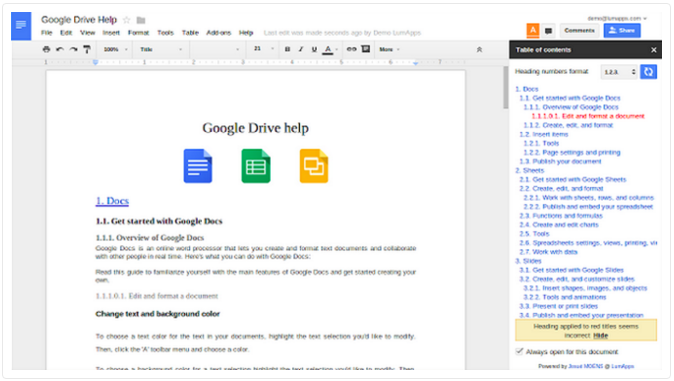
15 Features of Google Docs You Didn’t Know About But Should
One great thing about Google Docs being an online platform is that it is easy for improvements to be made and rolled out.
Here are 15 great features of Google Docs that you might not know about but should.
From the navigation sidebar to the research tool and voice typing, there is something new for everyone.