Pixar: The Art of Storytelling
We are all storytellers. Here is your chance to learn from the master storytellers at Pixar through this Khan Academy course which takes you through the process of telling an effective story.
There are videos and activities that make this a great process for you and your students regardless of the medium you are using to tell your story.
| |
Adobe Spark Video
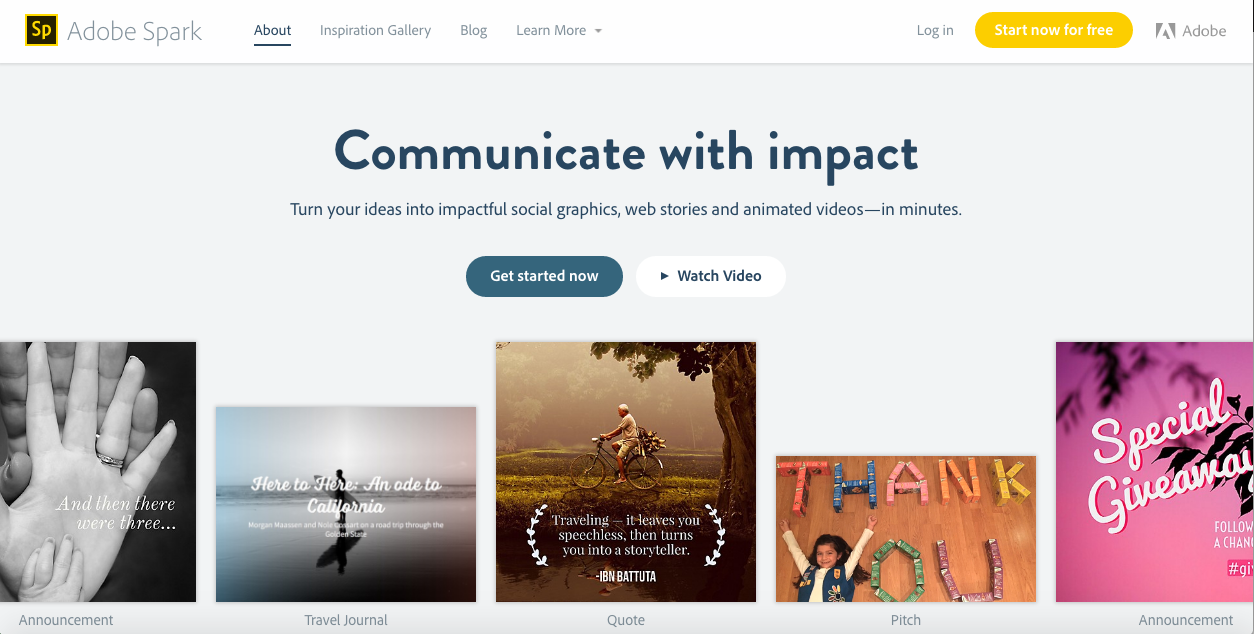
A number of our grade levels have been creating movies with students and a fantastic tool to explore is Adobe Spark Video. It provides excellent structures to help students understand the elements of various genres of videos.
You can easily log in with your Google account (students can log in with your class account).
| |
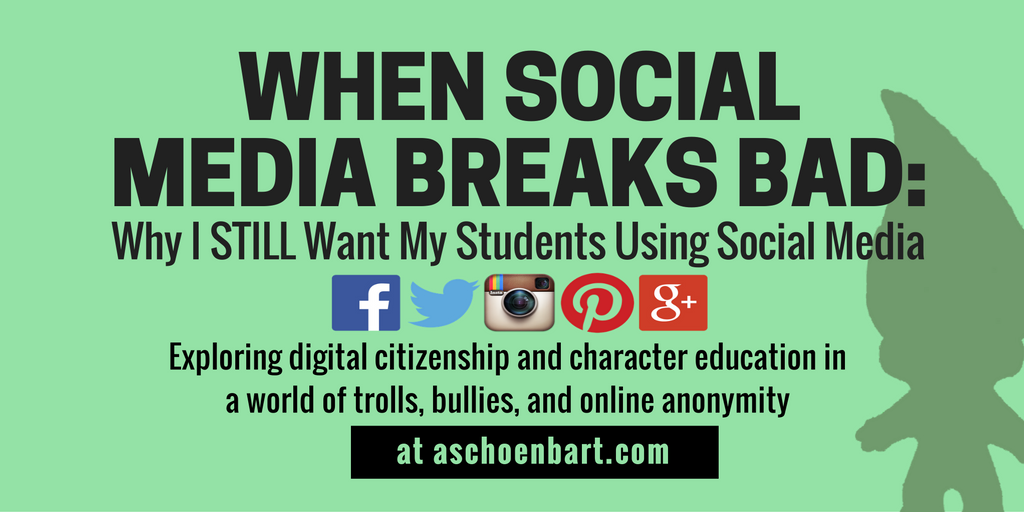
When Social Media Breaks Bad: Why I STILL want my Students Using Social Media
Things don’t always run smoothly when using social networks. It would be easy to shut down access and avoid having to risk potential problems. However, our students need us to support them in dealing with conflicts, such as the “11 year old troll” mentioned in the article. This is a great read from @MrShoenbart, which we encourage you to check out!
|
Showing posts with label adobe. Show all posts
Monday, 27 February 2017
Digital Bytes - 27 Feb, 2017
Labels:
adobe,
adobe spark,
Khan academy,
Pixar,
Pixar in a Box,
social media,
storytelling
Monday, 7 November 2016
Digital Bytes 7th November 2016
The iPad Conference over the weekend was an action-packed 2 days of fun and learning. We have decided to make this edition of the Digital Bytes have an iPad focus. Enjoy!
Visual Thinking
Two great apps we love for visual thinking are Adobe Capture & Adobe Illustrator Draw (both free). Create illustrations out of your photos, or draw over the top of a picture to create beautiful images, or use a combination of text and images to create visual notes. Remember to sign up for a class account and have your students log in with that as they are under 13.
Nicki Hambleton’s Precon, Learning & Thinking out Loud, had loads of resources for visual note-taking & visual thinking routines we urge you to explore!
| |
Fantastic Maths Apps
Make sure you have a look at some of the great math apps we have available on our iPads. Have a look at Number pieces which is a base ten blocks app, Number line, and Fractions. The amazing thing is that they are available online as well.
| |
Touchcast app
Touchcast is a fantastic green screen app with so many possibilities.
One of the coolest features is that you can put a YouTube video in the background of your video. You can also annotate videos and webpages.
|
Labels:
adobe,
adobe capture,
adobe illustrator draw,
Digital Bytes,
iPad,
visual literacy,
visual note taking
Monday, 30 May 2016
Digital Bytes - May 30, 2016
Adobe Spark
This is the moment you have been waiting for. Many of us have used Adobe Slate on the iPad for Visual Storytelling.
Adobe Slate has been transformed into Adobe Spark. Now you can do all the things you once did with Slate but on your computer. The bonus? You can even log in with your Google account - no more Adobe username.
| |
3 Brain Teasers to Spur Logical Thinking & Collaboration
These 3 engaging riddles were created by TED-Ed to stretch student thinking and get them collaborating around ideas. You will need to stop the each video at a predetermined
| |
QR Codes Can Do That?
Many of us have used QR codes to link to a
This article shares some of the cool things that QR codes can link to, like a voice recording, an email message, Google
|
Labels:
adobe,
adobe slate,
adobe spark,
brain teasers,
QR codes
Subscribe to:
Posts (Atom)