Showing posts with label Videos. Show all posts

Monday, 6 March 2017

Digital Bytes - 6th March, 2017


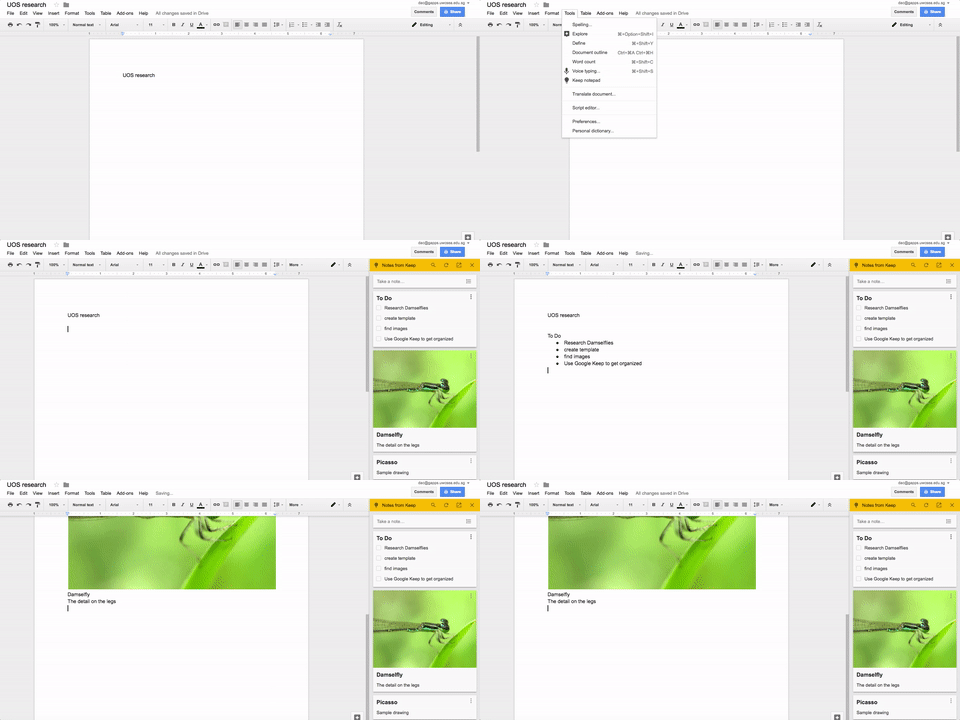
Google Keep in Google Docs

Google Keep is a great note taking app that you have as part of your Google account.


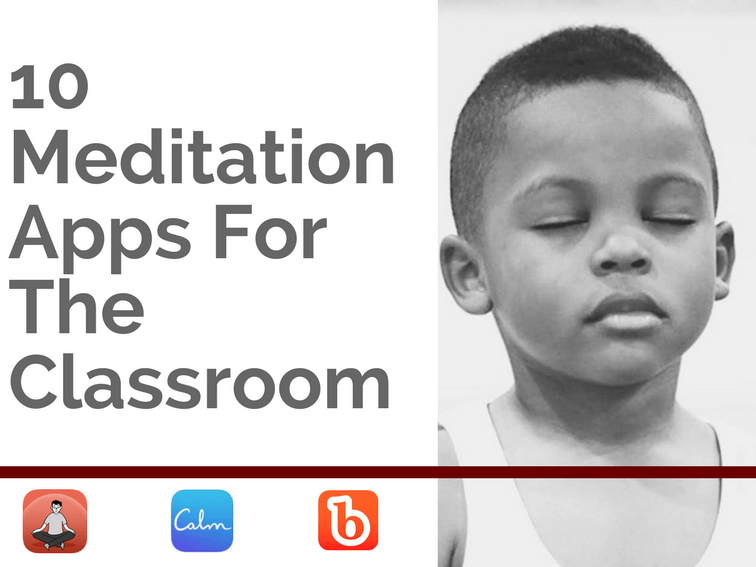
10 Meditation Apps for the Classroom

There are many benefits of using meditation and mindfulness in our lives. Here you can find 10 Meditation Apps for the Classroom to explore with your students.

Don’t forget there are also meditation videos in the Calming section of Go Noodle.


Getting Creative with Video in the Classroom

When was the last time you let your creativity loose? Walmart challenged several well-known movie directors to create a short film where items on a Walmart receipt was the central feature.

Jonathan Wylie takes this idea and suggests it as a tool for making creative videos in the classroom. Check it out!

Tuesday, 13 December 2016

Kanopy Streaming - Amazing Videos for your Classroom


UWCSEA East recently got a Patron-Driven subscription to Kanopy Streaming - and what a treasure trove it is! (UWC Community, click here; everyone else, try this link). If you have never heard of it before, let me tell you a little about it.

Kanopy began selling DVDs to universities in Australia, but has moved with the times to deliver a video streaming service to education providers worldwide, including Harvard, Princeton, Stanford and Yale. They have over 26,000 videos available currently, which are added to regularly.

So why should you care?

It is no secret how much students love learning through film. Kanopy has an incredible range of documentaries available: from  BBC's Shakespeare Collection or its Planet Earth Series, through to Gravitas's Food Choices: How Our Diet Affects the Planet, there is - quite literally - something for everyone.


A lot of the content is more suited to older audiences, but there is plenty in there to support Elementary learners. We'd encourage Elementary teachers to search Kanopy for a subject/unit they have upcoming, and preview the content before use with students.

One of the features that we love is the ability to clip and share a section of a video, so students don't necessarily watch the whole video, but a pre-selected segment that most closely relates to what they are learning.

Teachers can also create playlists of videos and share those. For more details on this process, check out this help section on the Kanopy website.

If you are a UWCSEA Teacher who wants to watch at home, follow this guide put together by the librarians.

If you would like further information about Kanopy, just contact one of the DLCs, or have a chat to our friendly Librarians!

Monday, 5 December 2016

Digital Bytes - Dec 5th, 2016


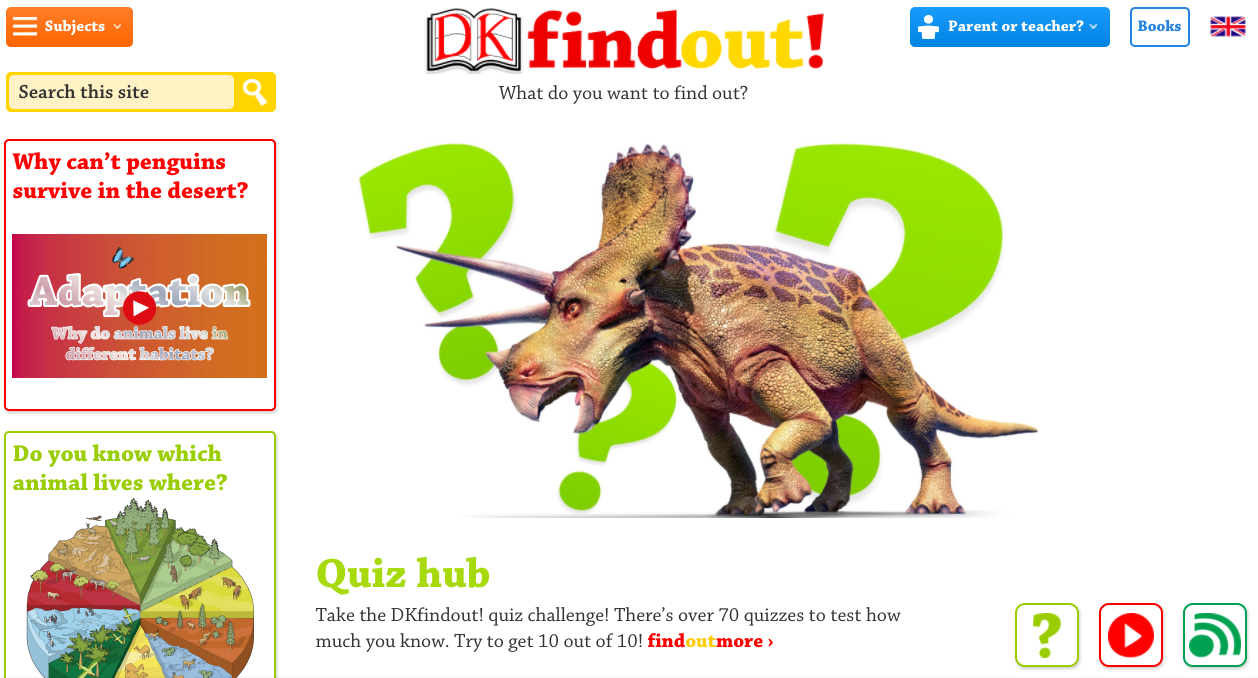
DK Find Out

DK Find Out is a fantastic site for kids to look for age-appropriate information. There are articles, diagrams, videos, fun facts and quizzes.
Like the DK books, the website is visually rich and students can use a combination of text, images and video to learn more.
How Should Reading be Taught in a Digital Era?

Writer Liana Heiton states that the nature of reading has changed significantly in the past decade, however questions whether teaching practices have developed alongside. In the article How Should Reading be Taught in a Digital Era, she explores different online reading options and finishes with a quote from Katherine Hale: "But reading isn't just reading print text anymore. Reading is reading the world."
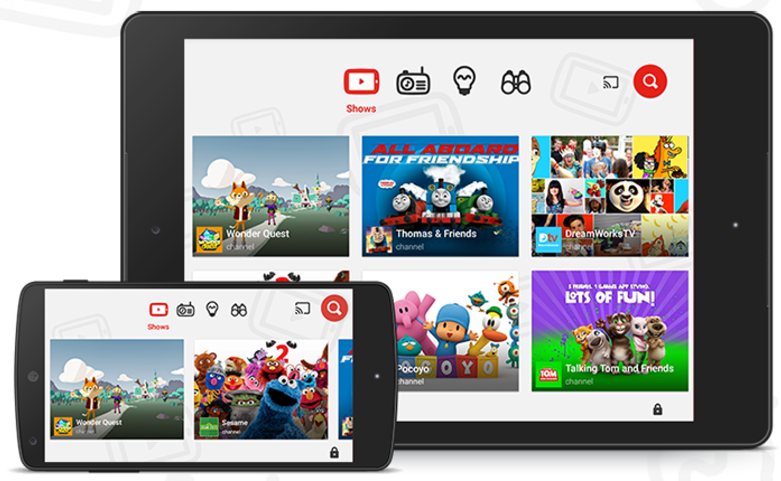
YouTube Kids

Learning something new often involves watching a video these days and our go to video site is YouTube.
YouTube kids is a free app which allows kids to search and find videos and not have to worry about advertising or inappropriate content/links.

Monday, 14 November 2016

Digital Bytes - 14th November, 2016


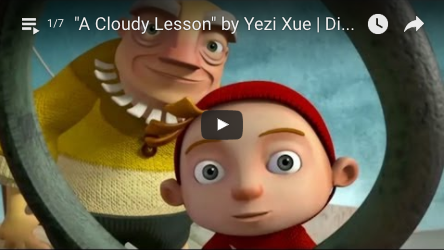
7 Video Writing Prompts for Young Authors

Edutopia’s 5 minute film festival is a collection of writing prompts in the form of videos. There are a range of different examples to choose from, and using video as a prompt may just spark the creativity in our more visual learners to produce something beyond their usual capabilities. Either way, it’s nice to mix it up a little, so why not check out these 7 video writing prompts for young authors.
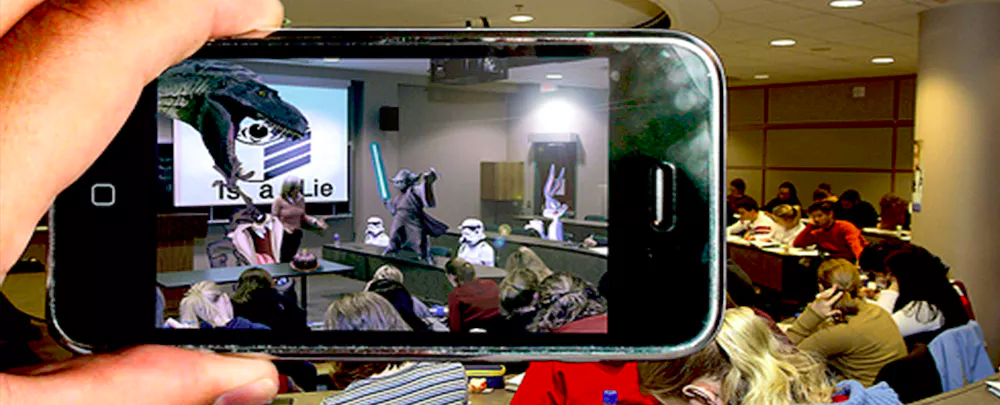
How to Transform your Classroom with Augmented Reality

Augmented Reality is one of the many ways technology can help learning in the classroom be more engaging. Our own G1 teacher Mary Newbigin is experimenting with it, so make sure you ask her about it! Meanwhile, here is a great overview about Transforming your Classroom with Augmented Reality.
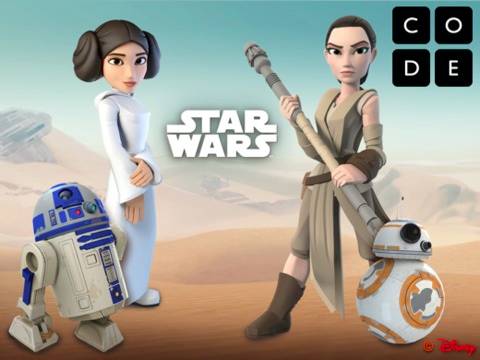
Hour of Code

The Hour of Code is coming up, and you might want to beat the crowds by getting started with your students today. At code.org, you can find activities suitable for pre-readers, all the way up to high school students. There is a little something for everyone.

Tuesday, 3 May 2016

Digital Bytes - May 3, 2016


The Kid Should See This.

This is a fantastic site for inquiry. There is a question a day which is answered with a video and a short piece of writing.

Questions are categorized and searchable.
Wordless News


Students can examine the drawn image and discuss what they think it relates to.

There is a link to the news story under each image.
If Shakespeare Could Tweet

This free ebook is a great look into the genre of micro writing.

Although it talks about Shakespeare, the lessons of micro writing could be applied to any type of writing in your classroom.


Monday, 25 April 2016

Digital Bytes - April 25, 2016

Hot on the heels of a great ReThinking Literacy conference, we have a number of great ideas and resources to share. This week the focus is on Visual Literacy - one of the themes that was highlighted throughout the conference.


What’s Going on in this Picture?

The New York Times has a great segment in the Learning Network called, “What’s Going on in this Picture?”

Each week, a new image is posted as a discussion prompt, with accompanying questions. More information is revealed over the week, which leads to rich conversations.
Wonderopolis

This is a fantastic site for inquirers. Every day a new question is answered with a rich explanation including videos, photos and text.

You can search through previous questions or ask your own questions.
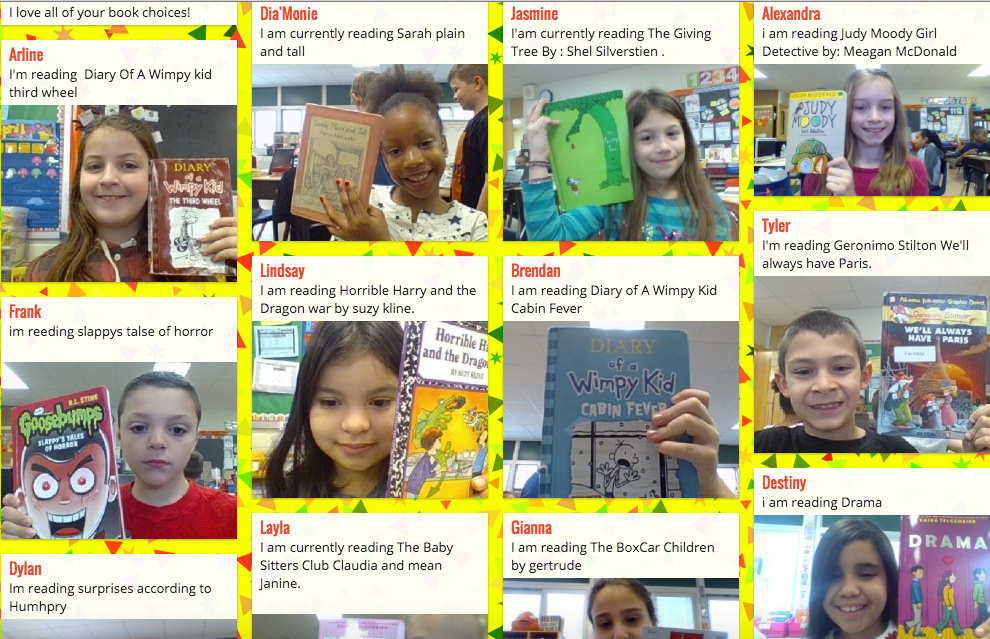
It’s Monday, What Are You Reading?

This is a great visual way to see what your students are reading. It is also a fantastic way for students to get book recommendations from others.

If you share your padlet with other classes from around the world, you now have a richer and wider audience. This example was shared on Padlet.

Monday, 23 November 2015

Digital Bytes - 16 November 2015


How to Provide kids Screen Time that Supports Learning
Kids are now spending more time on devices like iPads than watching television. “Children not only need to learn how to decode the letters and words they read, but also to gain an understanding of what goes into creating information and stories of all kinds.” This article talks about the three C’s: Content, Context and Child and the importance of balance.
9 Videos on News Literacy
Our students are increasingly getting their information from videos. How are we supporting them in this form of literacy?

This article examines what you as a teacher can do to help your students be more critical of the videos they watch.

The videos range in topics from how to choose your news to why the news isn’t really the news.
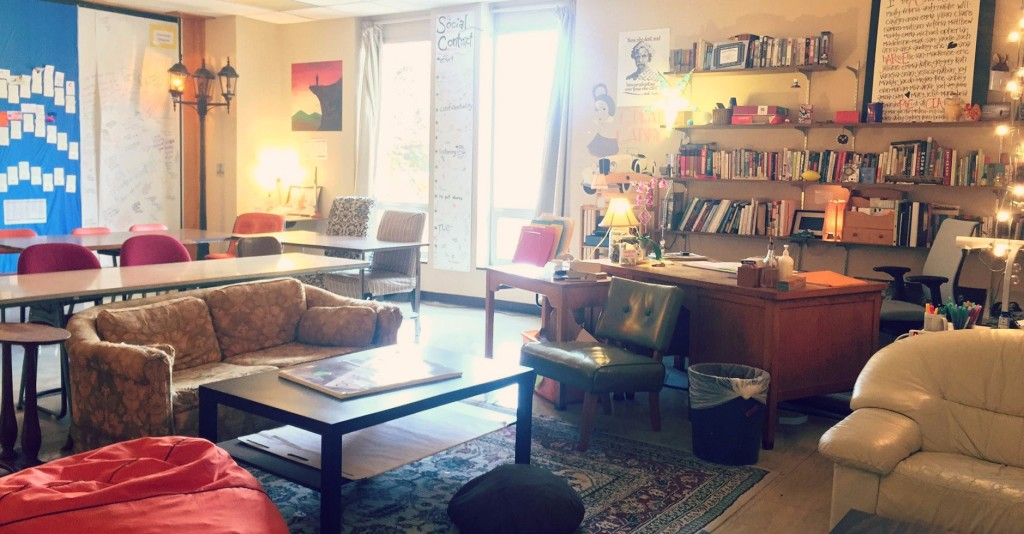
Classroom Eye Candy: A Flexible Seating Paradise
The personal touches in this English classroom make us feel we would like to be a learner in this space. The teacher also shares some excellent tips on how she rotates students through the “best” areas over time. Classroom Eye Candy will be a great inspiration for your flexible learning space.

Monday, 11 May 2015

Digital Bytes May 11, 2015

In this week's Digital Bytes, have a look at some videos that will help inspire you and your students, explore how to use Pinterest to support curating characters in your writing and check out Buffer, a tool to add text to an image for your tweets.


Monday, 2 March 2015

Digital Bytes - 2nd March 2015

This week's Digital Bytes features information on finding global connections for your class, a look at the role of pictures in stimulating real-world problem solving with mathematics, and a tutorial on solving the annoying problem of 'suggested videos' appearing at the end of your embedded YouTube videos.

Monday, 25 August 2014

Digital Portfolios using Google Sites

Grade 3, 4 and 5 students in our school are using Google Sites for their digital portfolios this year. One of the ways we can support them is through short video tutorials that break down some of the aspects involved in creating a site.

The tutorials have been uploaded to Vimeo and put into an album. We will continue to update the album with more and more videos over time.