Showing posts with label reggio. Show all posts

Wednesday, 16 November 2016

Documentation Using Technology

"Stand aside for a while and leave room for learning, observe carefully what children do, and then, if you have understood well, perhaps teaching will be different from before." 
- Loris Malaguzzi 
Inspired by the work of Reggio Emilia, UWCSEA East infant teachers have been exploring documentation to make learning and thinking visible. The role of the teacher in this process is to observe the students carefully, look for those significant moments, and capture images/videos together with examples of student voice.

This documentation is brought to their teaching teams so they can interpret it, explore options for next steps for the students involved, and make connections to the curriculum where relevant.

We had the opportunity to present to the infant teachers about ways technology can help support the documentation process. As you can imagine, technology is a natural fit for this sort of process, so we had lots to share.

Our presentation is below. We would love to hear your ideas about ways technology can enhance the documentation process. Leave us a comment!

Monday, 31 October 2016

Digital Bytes - 31st October, 2016


Technology in the Early Years

Anyone interested in integrating technology into a Reggio inspired classroom should read this article.

At the core of the article is the premise that we need to look at technology as one of the languages instead of a tool.

Debi Keyte-Hartland has 20 years experience working in early childhood.
8 Great Educational Podcasts for Kids

Whether you are a parent looking for something different for the kids to listen to on your morning drive, or a teacher wondering how to maximise the use of the iPads in your classroom, podcasts could well be the answer!

Jennifer Gonzalez has curated some excellent educational Podcasts for kids in her blog post. From book clubs to science, ‘why’ questions to classical music, there is something in here for everyone.
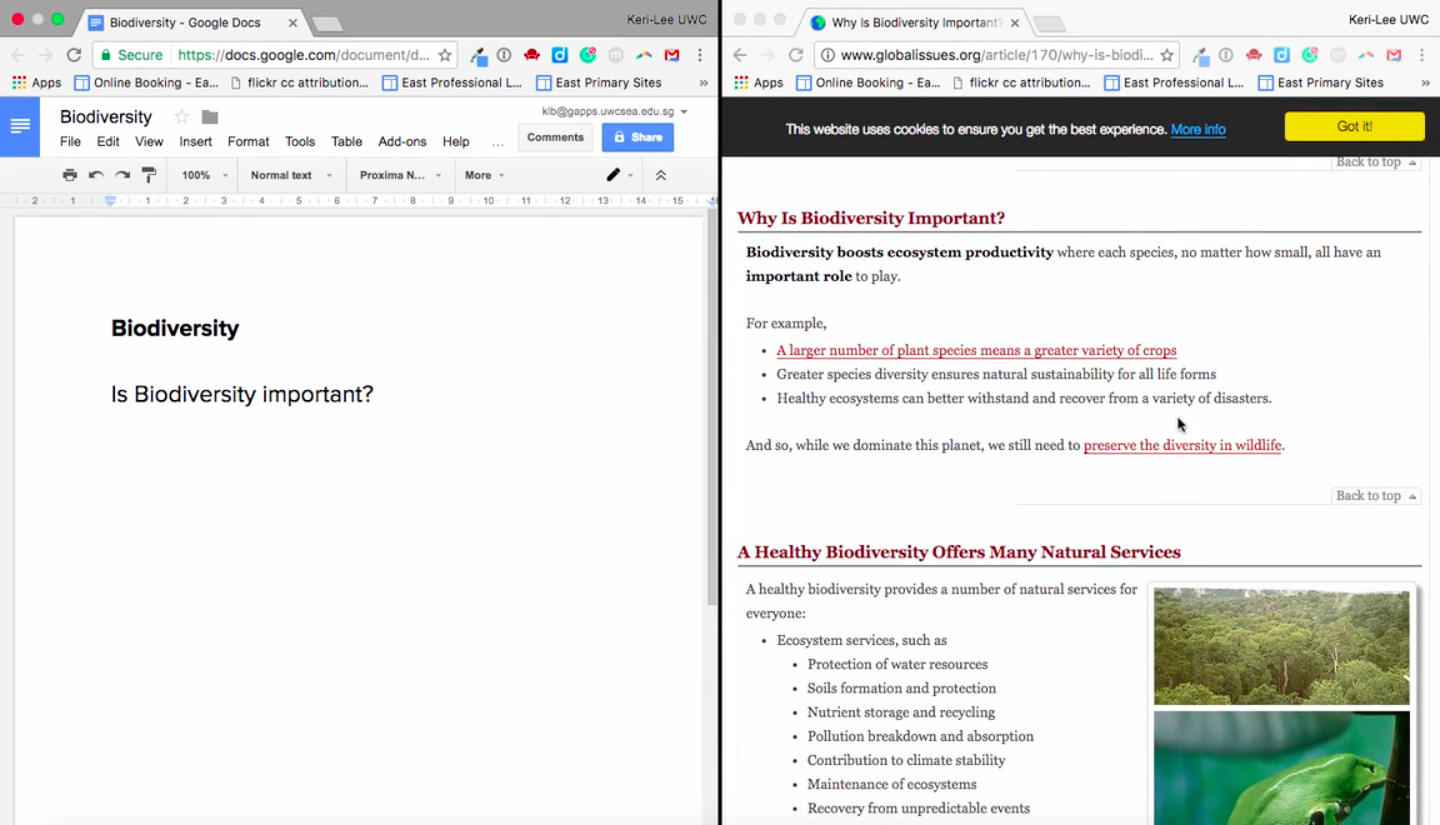
Split Screen in Mac OS - Quick & Easy!

This new MacOS feature will benefit anyone looking to do research and take notes, or just those who like to have more than one window on the go at once. This tutorial video will show you how to use Split Screen on a Mac - takes only seconds to get up and running!

Monday, 25 January 2016

Digital Bytes - January 25th, 2016


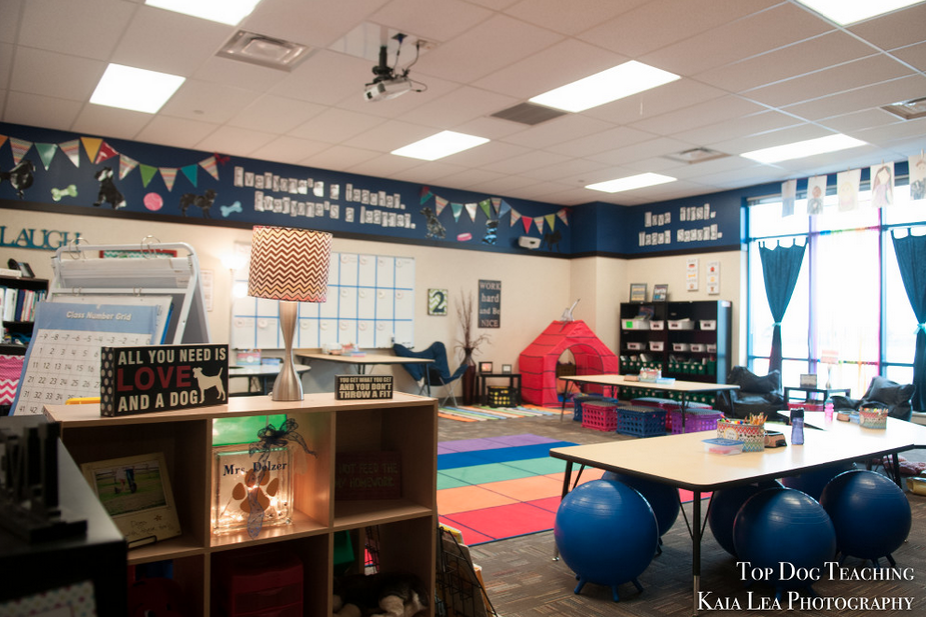
Why the 21st Century Classroom May Remind You of Starbucks
Think about the places you like to work. Think about places that are comfortable and you enjoy spending time. Everyone wants their classroom to be an inviting place where kids enjoy learning. Have a look at this teacher’s experience where she tried to make her classroom more like a Starbucks. A place that is inviting and exciting for kids to come to and learn.
Power of Play
This infographic shows a range of quotes and research findings on the power of play.
Teacher’s Guide on How to Create Google Forms
Google Forms has had a bit of a makeover and an update recently. While this may be great for power users, sometimes it can mean a favourite feature is in a new location, which can be a little confusing. This step-by-step guide will help you create a Google Form from start to finish.

Monday, 31 August 2015

Digital Bytes August 31, 2015

This week's Digital Bytes includes a Google presentation about teaching photography to students, an article on the benefits of using your iPad as a document camera and an article about Reggio Inspired Mathematics.