 |
Technology for Global Concerns
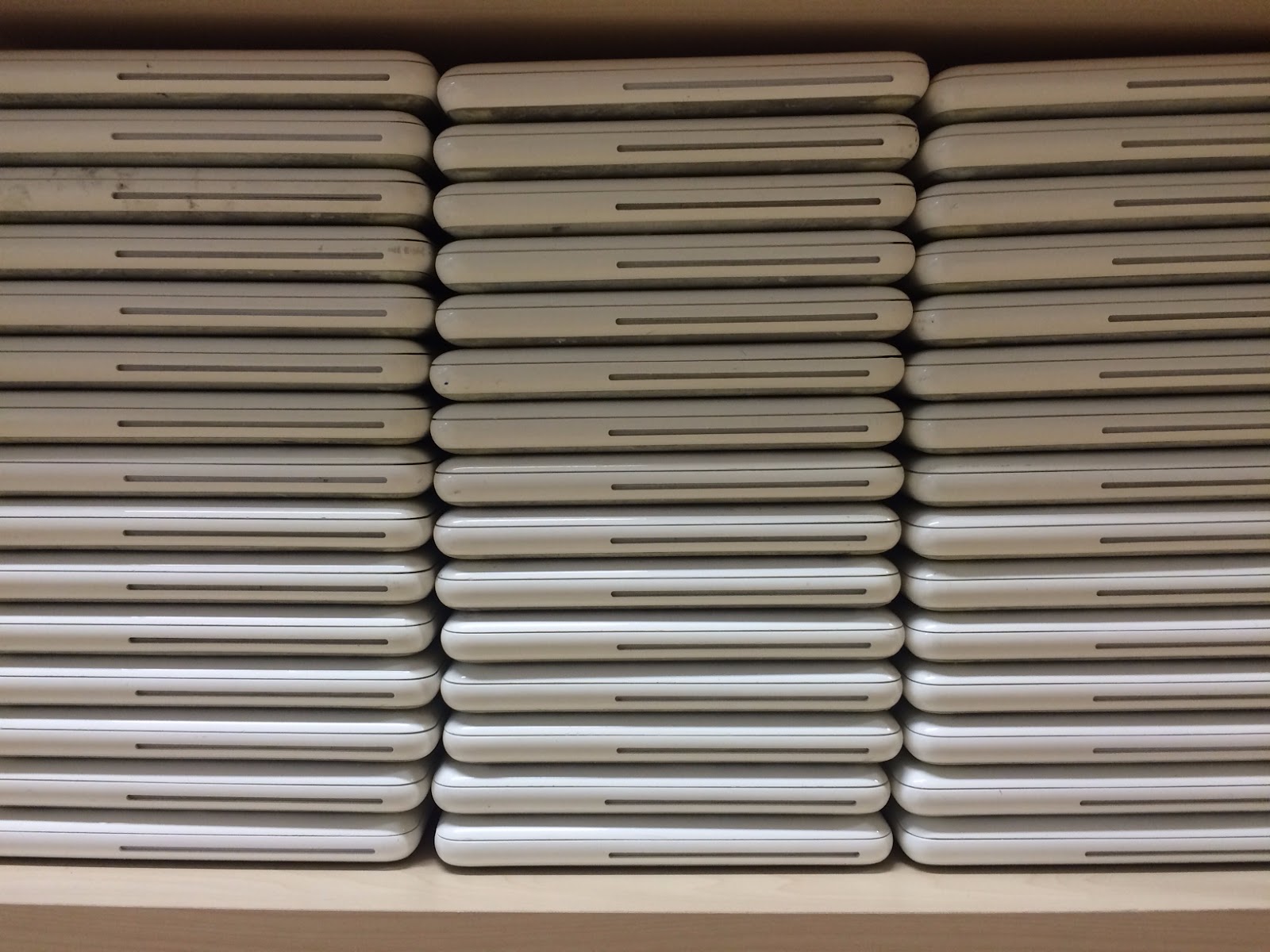
All of our older IT equipment becomes available to our GCs at UWCSEA East. Keeping in mind that the benefits of technology for learning come mainly from shifts in pedagogy, not just having equipment, the focus needs to be on both hardware and quality teaching with technology. There is a process (in beta) to support GCs who want to develop a project with your service partners. Please first talk to Dave or Keri-Lee if this is something that you are interested in pursuing. There are Macbooks, iPads and iMacs that are available.
|
 |
Kiddle
Research shows us that visuals are very important in helping us remember. The Kiddle search engine is safe search, powered by Google and has an image to accompany each of your search results. Try it out and see what you think.
|
 |
Video editing apps for iPhone & iPad
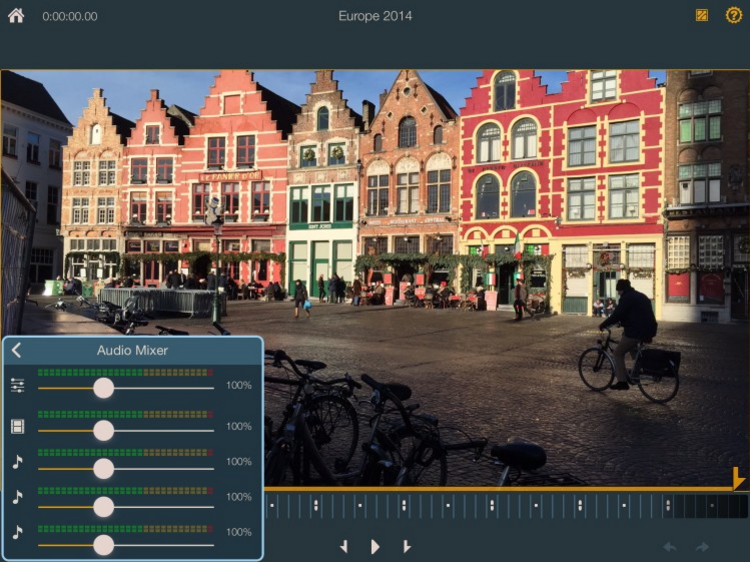
iMovie is a fantastic app for the iPhone and iPad but sometimes you want a little bit more control. Have a look at these 4 apps and see what they can offer you that iMovie can’t.
|

Showing posts with label service. Show all posts
Showing posts with label service. Show all posts
Monday, 1 February 2016
Primary Bytes 1st February 2016

Friday, 8 May 2015
iMovie with G1 students
 |
| Filming the X for "Don't do this!" |
Their teacher, Ms Dakkouri, allowed me some time to teach the whole class some of the basics of filming. We explored:
- Keeping the iPad steady
- Not filming into the light (or a silhouette effect would occur)
- Using different camera angles (such as worm's eye view and bird's eye view) to keep the video interesting.
 |
| Filming and acting in the playground. |
Filming became our next priority. With the help of a Justand, the students were able to keep the iPad steady as they recorded. They loved shouting, "Action!" to indicate the start of filming. Several takes were needed in some instances to get just the right shot.
 |
| Collaboratively editing |
 |
| Adding the tick using picture-in-picture |
Finally we finished! They were thrilled to show their teacher, who promised to share the movie in assembly with the whole of the early years students.
What I liked most about this project was that it evolved out of a student inquiry, and that the concepts of film-making were taught as needed, for just-in-time learning. Students were receptive to teaching points because it was real world learning, and that's what has the most impact on understanding. I hope you enjoy watching our finished iMovie below!
Subscribe to:
Posts (Atom)