Showing posts with label photography. Show all posts

Monday, 22 May 2017

Digital Bytes 22nd May 2017


Flipgrid

Flipgrid is an easy to use video reflection tool.

As a teacher, you can post a prompt and your students can respond with a video reflection. Here is an example from Grade 4 teacher, ADE and Flipgrid Ambassador, Andy McGovern.

As always, remind your students to use headphones for the best quality recording.

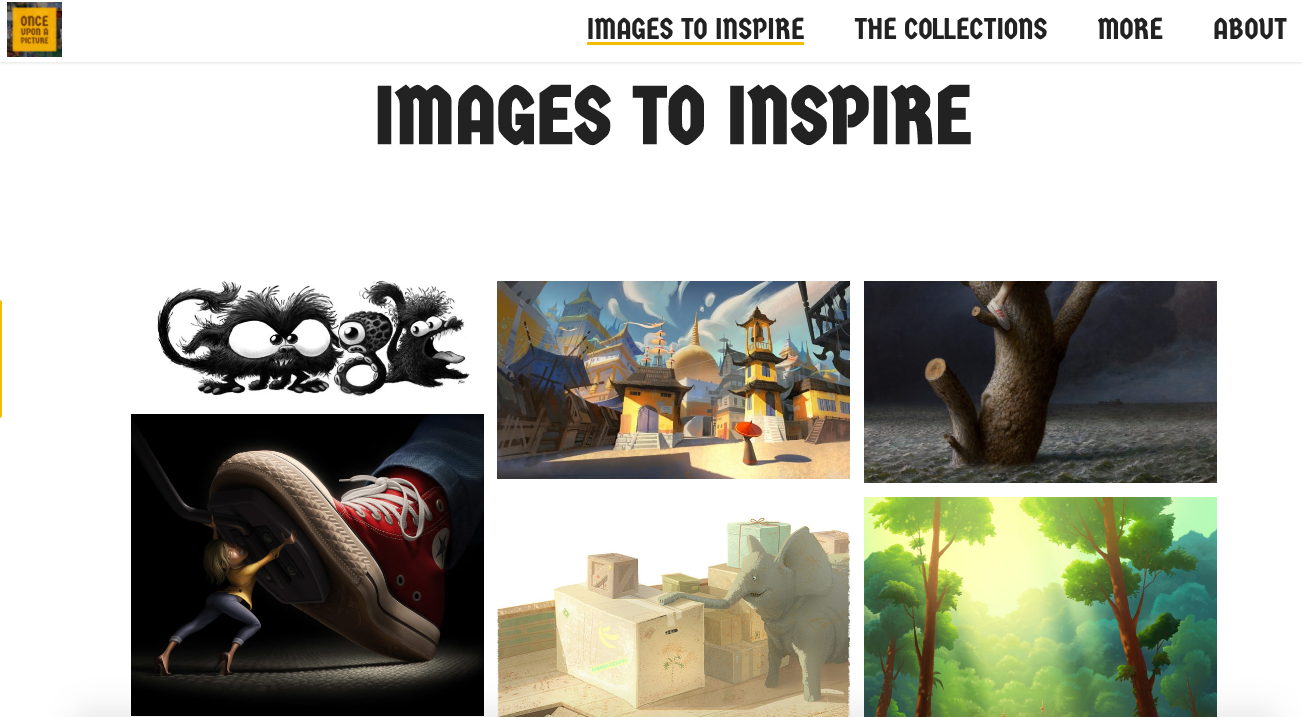
Images to Inspire

We know images have the power to spark creative thinking, but we seldom make the most of this fact when providing writing stimuli for students. Thankfully, this website has you covered! You can view by collection (e.g. Inference collection) or by latest image. All images are shared with permission by the original artist, which is great to model for your students.


Quick Draw

Quickdraw is a project from Google which is using Artificial Intelligence (AI) to recognize drawings.

You can help and have some fun along the way by adding to the world largest doodling data set. It is a quick timed activity so you only have 20 seconds to create each drawing and Google is trying to guess what you are drawing the whole time.

After you have tried 6 drawings, you can see what other people drew in response to the same prompt you had.

Friday, 17 March 2017

The Power of a Small Idea

I was checking Twitter one day, when this tweet by Anna Davies jumped out at me, with its striking red and black colour scheme and professional-looking images.

Anna Davies on Twitter

G5 deeply personal hopes&fears on display. Seeing each other from a different perspective #ishcmcib thanx 4 the inspiration @itsallaboutart
It turns out that Anna had been inspired by my Dover colleague, Nicki Hambleton, who created posters with her Middle School students, based on the work of Designer, Graphic Artist and Photographer, Barbara Kruger.

When I see an amazing idea, like the images in Anna's tweet, I always want to try it out. As I don't have a class of my own, I have to pitch the idea to my colleagues and hope that it sparks an interest.

As it happened, our school was just embarking on a PSE unit around the Power of Words. Tech Mentor Mike Bowden jumped on board and took the idea to his Grade 3 team.

Students prepared for the poster by finding a quote that resonated with them about the Power of Words. They took a photo of themselves on a plain background, ensuring to leave enough space to fit the quote.

In Keynote, students added the image, then reduced the saturation to turn it black and white. They used the limited colour palette of red, black and white for the text, experimenting with placement and rotation as needed.

This was a very rich learning task for our students. There were a lot of technical and design skills that we were able to build into an authentic context that met our curricula outcomes.

Naturally, we shared examples of our finished posters on Twitter - these examples were from Mandy Whitehouse's class.

Keri-Lee Beasley on Twitter

G3 posters: Power of Words @annadeibisu @itsallaboutart Thanks 4 the inspiration! #uwclearn #pse @debgordon123 @MickBowden @maw0305
What happened next is what I LOVE about social media. Jose O'Donovan saw our examples on Twitter and got his students to make their own - this time, posters about Kindness.

Monday, 6 February 2017

Digital Bytes 6th February, 2017


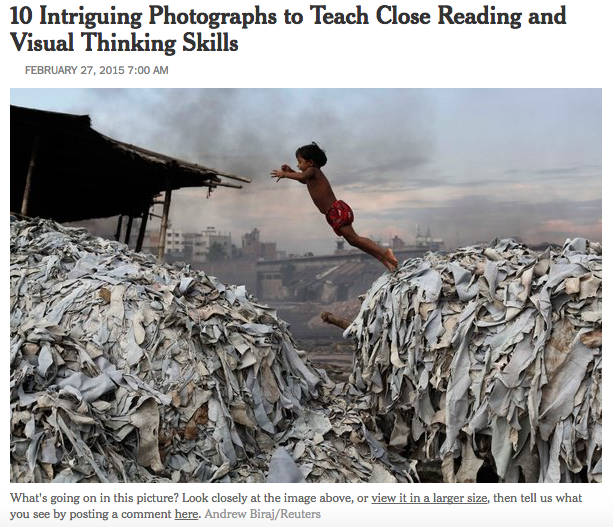
Teaching Reading and Thinking Skills with Photographs

Take a look at the 10 photographs in this New York Times article and the accompanying mini lessons to help build your students reading and thinking skills.

After you take your students through the lessons you can share more images from the New York Times section, What’s Going on in this Picture?
The Adaptable Mind

What are the skills that prepare us for a world that is constantly changing?

Isn’t this the question that all teachers want to know? This excellent 10 minute video takes the viewer through the 5 skills that we need to foster in our students.
16 Educational Podcasts

Check out these great educational podcasts from teachers, professors, innovators and skeptics where they share their thoughts about the world of education.

The podcast topics include teaching strategies, the beauty and difficulty of learning, interviews and ideas that will challenge your thinking.


Monday, 24 October 2016

Digital Bytes - 24th October 2016


I See Math


They start with an image and then add a story and a question about the image. This is all put in Google Slides which is then shared with students.
Teaching Through the Camera Lens - 10 Activities with photos and video


One example is a time lapse like this one created on a grade 4 trip to Sibu Malaysia.
flickr photo by mkhmarketing https://flickr.com/photos/mkhmarketing/8540717756 shared under a Creative Commons (BY) license
How you can Become a Champion of Digital Citizenship in your own Classroom

Kayla Delzar reminds us that Digital Citizenship is no longer an “elective”, but something all teachers need to be modeling and actively teaching with their students. By way of example, she incorporates a ‘tweeter of the day’ to her classroom roles and responsibilities. This article contains more resources and ideas.

Digital Bytes - 24th October 2016


I See Math


They start with an image and then add a story and a question about the image. This is all put in Google Slides which is then shared with students.
Teaching Through the Camera Lens - 10 Activities with photos and video


One example is a time lapse like this one created on a grade 4 trip to Sibu Malaysia.
flickr photo by mkhmarketing https://flickr.com/photos/mkhmarketing/8540717756 shared under a Creative Commons (BY) license
How you can Become a Champion of Digital Citizenship in your own Classroom

Kayla Delzar reminds us that Digital Citizenship is no longer an “elective”, but something all teachers need to be modeling and actively teaching with their students. By way of example, she incorporates a ‘tweeter of the day’ to her classroom roles and responsibilities. This article contains more resources and ideas.

Monday, 5 September 2016

Digital Bytes 5th September, 2016


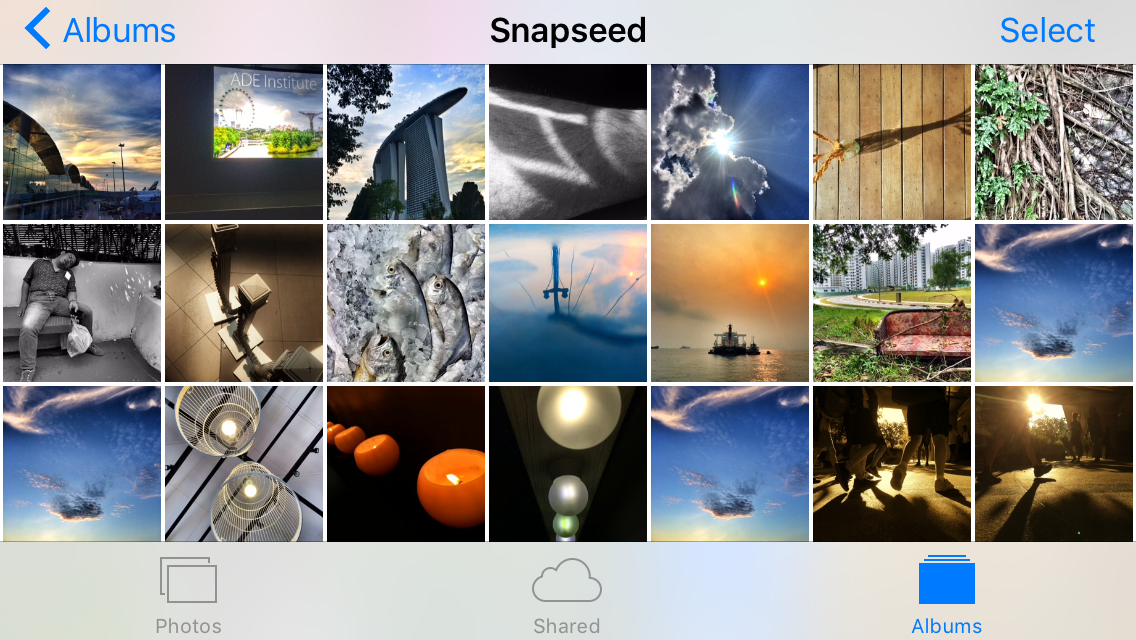
The Zen Art of Managing Smartphone Photos
We get a lot of questions about the best way to manage the photos on your phone.

Calling Screen Time Digital Heroin is Digital Garbage

You may have seen an article calling screen time digital heroin.

This article take a critical look at that article and its claims and provides a rational viewpoint.
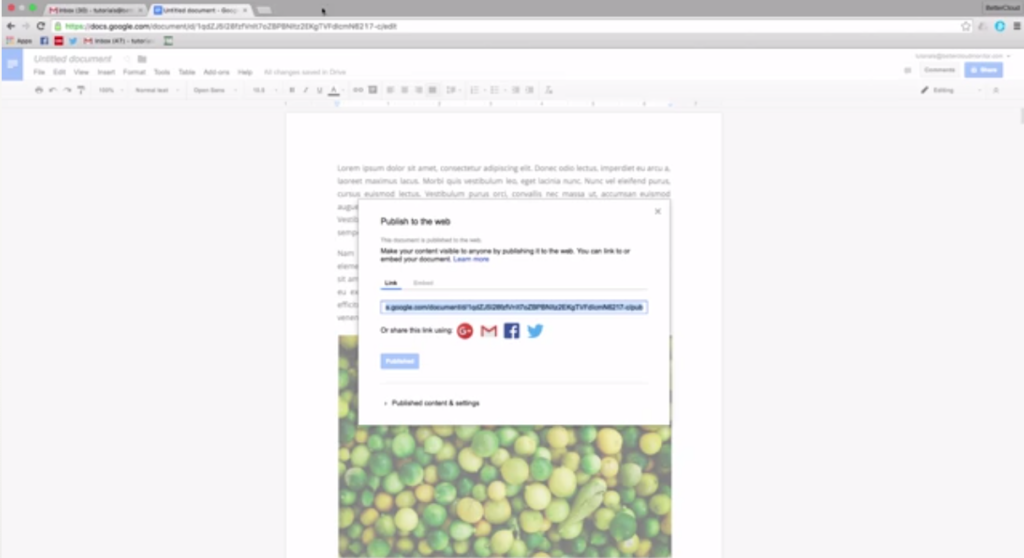
How to Extract an Image From Google Docs

There are a number of ways to do this including publishing the doc to the web, saving it as an HTML file and a google docs add on.

Monday, 29 February 2016

Digital Bytes - 29 February, 2016


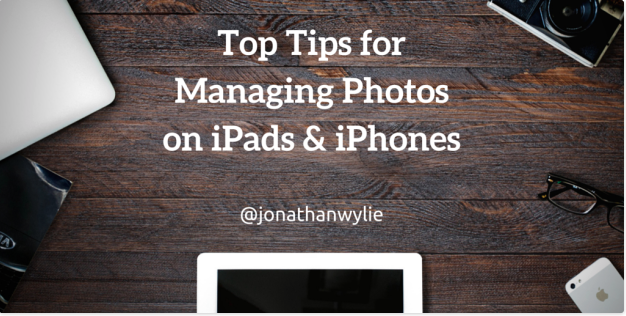
Managing Photos on Your iPad and iPhone

Some great tips for working with photos that you have already captured on your iPad or iPhone. Did you know you can quickly select multiple photos by dragging your finger over them? Did you know that you can search for photos by location or date? Have a look at some great tips in this article.
Mathematics in Real Life

This YouTube video playlist has a number of riddles and maths problems that you can use with your class.
These are a great source to engage your students and explore problem solving with your class.

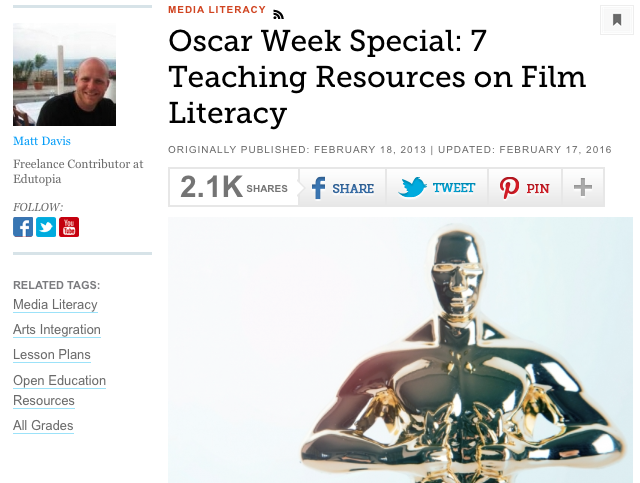
7 Teaching Resources for Film Literacy

With the Oscars this week, it is a good time to look at film literacy. This site has a number of resources to help teachers including an interview with Martin Scorsese on the importance of film literacy and a number of activities and lesson plans.

Monday, 21 September 2015

Digital Bytes - September 21, 2015

This week's digital bytes includes articles about a free ebook on capturing digital stories, 11 quotes by famous writers and accompanying writing lessons, and using technology to help students read faster and with better comprehension.


Monday, 31 August 2015

Digital Bytes August 31, 2015

This week's Digital Bytes includes a Google presentation about teaching photography to students, an article on the benefits of using your iPad as a document camera and an article about Reggio Inspired Mathematics.


Monday, 25 May 2015

Digital Bytes May 25, 2015

This week's Digital Bytes has the following articles: 21 Ways to use photography and images in your classroom, Top 6 sites for free videos, photos, and audio, and managing your computer's linked Google Drive folder.


Monday, 23 February 2015

Digital Bytes February 23, 2015

This week's focus is on reading and writing, including articles about enriching students' creative writing skills with photography and using games like Mincraft to help your child with their reading. There is also a quick tutorial to help you learn how to delete those pesky untitled posts in your Google Site.


Thursday, 26 January 2012

iPads in K1


“…joy in life doesn’t usually come in long stretches for hours at a time, month after month, year after year . . . but in moments.”
- unknown

K1 HKi used the iPads to take photographs as we went on a number hunt around our school. We found lots of numbers in our environment:

 "Look, on the microwave!"


 "Teachers use numbers too!"


 "5 Jembahs"
                                               

 "1 dragon!"


We used our photographs to make a number line for their K1 classroom:


The expectations we were working towards:
- use a digital device to create a visual piece of work, with the support of an adult
- use a digital tool to collect and visualize data
- with teacher support, identify steps to take to complete a given task using a digital tool

Things I learned during this lesson:
- the iPads are heavy and a bit hard for the K1s to hold and press the shutter to take a photo. Changing to iPod Touch should solve this problem
- we need to have a chat before starting about the important things to remember when taking photos - #1 Stand Still!
- it is so much more fun (not to mention the connections being made) when a different teacher opens up their classroom for us, Ms. Imogen helped us find numbers in the music room and that was the favourite place to take photos.

Tuesday, 18 October 2011

G5 Photography with the iPod Touch

I had a blast with G5 AMC recently, showing them a couple of tips about Photography, together with some iPod Touch Apps for taking/editing pictures.

Talking to colleague (and photographer extraordinaire) David Caleb allowed me to share the following key tips:
  1. Perspective - try different approaches to a shot. 'Bird's Eye View' and 'Worm's Eye View' give a different look/feel to your photos.
  2. Stay Steady - lean on something, or lock your elbows in - whatever - to help keep your iPod Touch still when you take the photo. 
The apps we explored were:


Camera+ - 99c - the editing features of this app make it a complete bargain buy at 99c in my humble opinion. It makes photos taken in poor light that would otherwise be unusable, suddenly have value again. The scenes, effects & borders are my favourite features, and the G5s certainly enjoyed experimenting with them.


TiltShiftGenerator - $2.99 - The app description  explains, "By throwing out of focus things that ought to be in focus, scenes appear as if in miniature." This allows some wonderful effects, where a blur can be applied to the exterior of a line, or a circle in your image.


ProHDR - $1.99 - This app takes two images at different dynamic ranges, and merges them together to create an image with excellent exposure. It's great for shooting architecture, particularly where there are shaded sections contrasted with brighter light.


Adobe Photoshop Express - Free - this free app has some basic editing features (crop etc) and some neat effects you can apply to your photos.


Students spent 10 -15 minutes capturing pictures using these apps (sometimes in combination), and then came back to the class for 10 - 15 minutes editing and emailing them to themselves for use in class work later. I hope you enjoy the following examples of their work.

Alex used TiltShiftGen then imported the finished
product into Photoshop Express & changed the
saturation levels

Iris used Camera+ for this image, with an Emo effect
& vignette

Casper took this with ProHDR
Nikhita took this with TiltShiftGen


Florence used Camera+ for this shot
of our diablos
Jackson used Camera+ for this
picture of our wall

Dylan & Adhwaith used TiltShiftGen
to take this shot down our empty
hallway
Jackson used Camera+ with a vignette for this image