Monday, 24 April 2017

The Networked Teacher-Learner


What could your portfolio do for your learning?

Starting this May, join a cohort of teachers on campus looking to complete a five-month challenge.
The challenge will ask you to launch and share a portfolio (with the support of your DLCs), and to compose and share one post per month from May until September.

In small teams, you will receive feedback from your peers, and you will be asked to respond to others. What can we learn from one another? Can networking our inquiry build connections across our community and assist in better research curation?

You will have a great deal of choice from a month menu of post provocations. Preview the menu for May here.

Wondering why educators have found portfolio curation a useful endeavor?


Check out this post from George Couros.

What I did not expect though, was how much my own learning would grow.  Writing a blog for me is now something that I feel is necessary for an educator, as it gives me the opportunity to not only reflect on my practice, but also collaborate with others in a more in depth way then sites like Twitter can provide.  I also have had a major shift in my own thinking as I am less focused on the technical aspects of a blog, but the learning implications this type of writing can have on educators and students.-George Couros

If you'd like help getting set up with your portfolio, please ask a DLC.

Sign up for our five-month challenge here.
Anticipate a time requirement of 50-60 minutes per month (includes posting, reading, and commenting).

Digital Bytes - 24th April, 2017


A Beginner’s Guide to Creating Shareable Infographics

Infographics help us understand complicated data sets and simplify the complex.

With outstanding examples and easy-to-understand text, this guide for beginners  will help you learn about what makes a good infographic, the various types of infographics and steps to create a powerful infographic.
Teaching Digital Citizenship with Seesaw

A lot of the behaviours we want our students to exhibit in regards to digital citizenship can be taught in Seesaw.

Teacher Heather Marrs explains in her post, “Don’t Teach Digital Citizenship - Embed it!” how she uses Seesaw to teach her help her students learn how they can interact in a digital environment.
Five Ways Humor Boosts Creative Thinking and Problem-Solving in the Classroom

John Spencer raises some great points in support of humour and fun in the classroom, particularly as a model of creativity and divergent thinking for our students. Read about the Five Ways Humor Boosts Creative Thinking and Problem-Solving in the Classroom to get your week off to a great start!


Friday, 21 April 2017

Building Better Infographics: Friendly Friday Advice


Interested in building better infographics with your students?

Here's a quick guide to the four essential elements to include in any infographic:

1. The Wireframe:

Structure is key.  Best practice is to map out your infographic before you move to any digital tools.  What structure will work best for the story you want your infographic to tell?

2. Put the info into infographic:

Do your research, be sure to attribute key stats.  Collate your research before heading into the design phase.

3. Call and response

A good infographic is working with a great question.  Starting with the why is another key step for effective infographic curation.

4. Find your flow

Is it easy to navigate through your infographic?

 How do I put those elements into action?

Luckily, our digital tools have come a long way in recent years.  Here is a list of free tools making it very straightforward to embrace those four essentials:

Get inspired

Here are a few of my favorite infographic artists:
Check out his fantastic work here

Check out his fantastic work here


Check out one of his featured infographics in this collection 

To learn more about infographic production, design, and analysis, contact your DLC today.


Monday, 17 April 2017

Digital Bytes - 17th April 2017


Clips

This new app has the potential to be the app of the year in education. If you haven’t already downloaded it, do it now.

It is incredibly easy to use and perfect for students who want to create a quick video.

One of the best features is the ability to to speak and the app automatically creates the text in real time. You can also add filters to your video and easily share it.


Autodraw

This is beyond amazing. Autodraw from Google is something you just need to try to believe.

Start to draw anything and Autodraw will recognize what you are drawing and give you options. Draw a house and you will see options for buildings pop up. How might you use this with your students? So many possibilities!

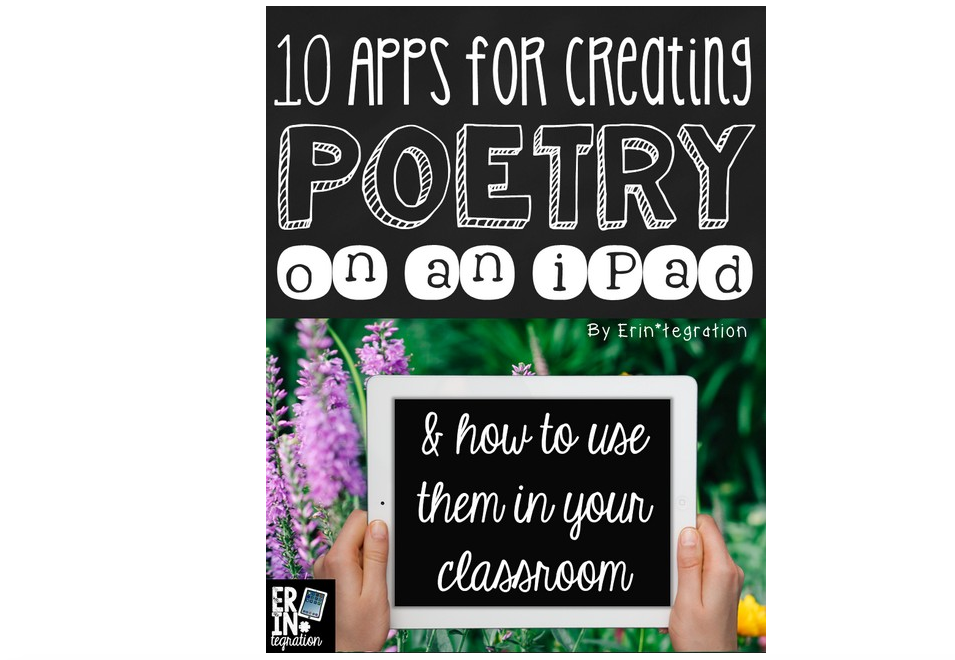
10 Apps for Creating Poetry on an iPad


Even though there are a number of apps that you may not have heard of, you can always use the ideas presented with apps you already have.