Easiest Slideshow Ever!
With the newest update to iOS, you have access to the easiest slideshow making tool we have ever seen: Memories.
Simply put a number of photos into a folder on your iPad or iPhone,, open the folder and tap on the dates at the top of the screen and your slideshow is made! You can add or take out photos and even include videos.
| |
You’re Not Going to Believe What I’m About to Tell You
The Oatmeal has produced a classroom-friendly cartoon about the Backfire Effect - the reasons why people find it difficult to accept information that challenges their world view. This graphic is best suited to students G5 and above, but will be an interesting read for all teachers.
| |
Digital Breakout
BreakoutEDU is a fantastic experience which focuses on a group’s ability to work together and solve a series of problems.
Digital Breakouts have no physical components and only need an internet connected device. There are different challenges for various age levels. Try them out yourself!
|
Showing posts with label photos. Show all posts
Monday, 8 May 2017
Digital Bytes - 8th May, 2017
Monday, 6 February 2017
Digital Bytes 6th February, 2017

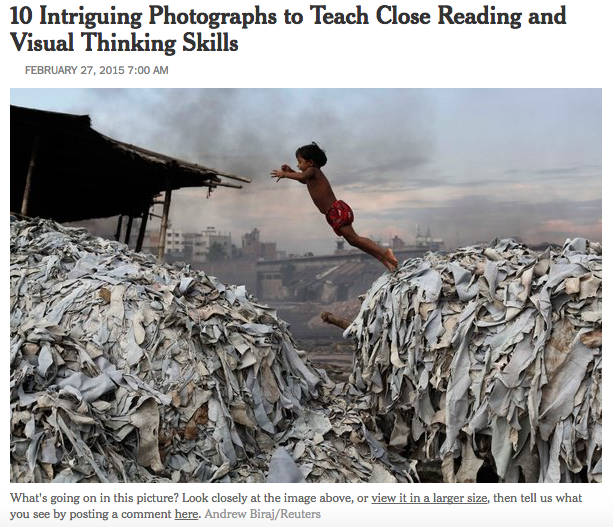
Teaching Reading and Thinking Skills with Photographs
Take a look at the 10 photographs in this New York Times article and the accompanying mini lessons to help build your students reading and thinking skills.
After you take your students through the lessons you can share more images from the New York Times section, What’s Going on in this Picture?
| |
The Adaptable Mind
What are the skills that prepare us for a world that is constantly changing?
Isn’t this the question that all teachers want to know? This excellent 10 minute video takes the viewer through the 5 skills that we need to foster in our students.
| |
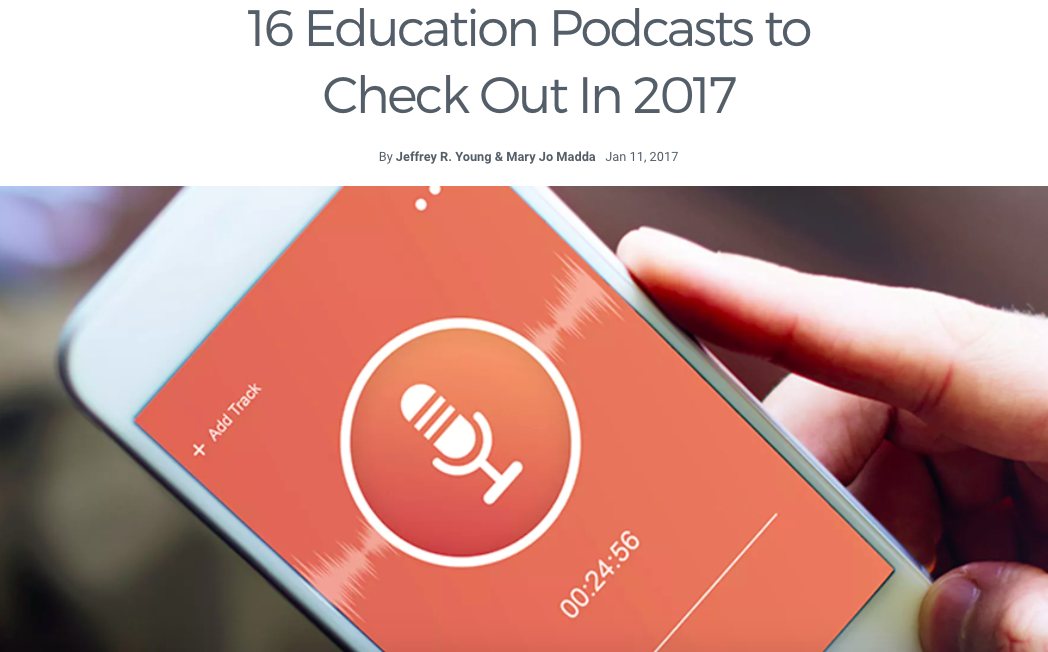
16 Educational Podcasts
Check out these great educational podcasts from teachers, professors, innovators and skeptics where they share their thoughts about the world of education.
The podcast topics include teaching strategies, the beauty and difficulty of learning, interviews and ideas that will challenge your thinking.
|
Monday, 5 September 2016
Digital Bytes 5th September, 2016
The Zen Art of Managing Smartphone Photos
We get a lot of questions about the best way to manage the photos on your phone.
Here are 3 ways to backup your photos from your camera roll that will save you time and energy.
| |
Calling Screen Time Digital Heroin is Digital Garbage
You may have seen an article calling screen time digital heroin.
This article take a critical look at that article and its claims and provides a rational viewpoint.
| |
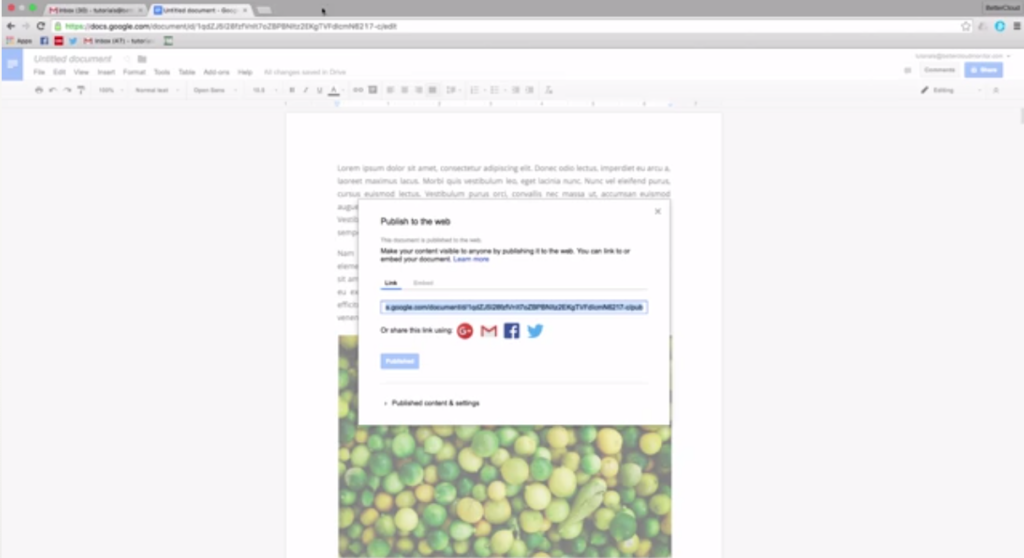
How to Extract an Image From Google Docs
There are a number of ways to do this including publishing the doc to the web, saving it as an HTML file and a google docs add on.
|
Monday, 25 April 2016
Digital Bytes - April 25, 2016
Hot on the heels of a great ReThinking Literacy conference, we have a number of great ideas and resources to share. This week the focus is on Visual Literacy - one of the themes that was highlighted throughout the conference.
What’s Going on in this Picture?
The New York Times has a great segment in the Learning Network called, “What’s Going on in this Picture?”
Each week, a new image is posted as a discussion prompt, with accompanying questions. More information is revealed over the week, which leads to rich conversations.
| |
This is a fantastic site for inquirers. Every day a new question is answered with a rich
You can search through previous questions or ask your own questions.
| |
It’s Monday, What Are You Reading?
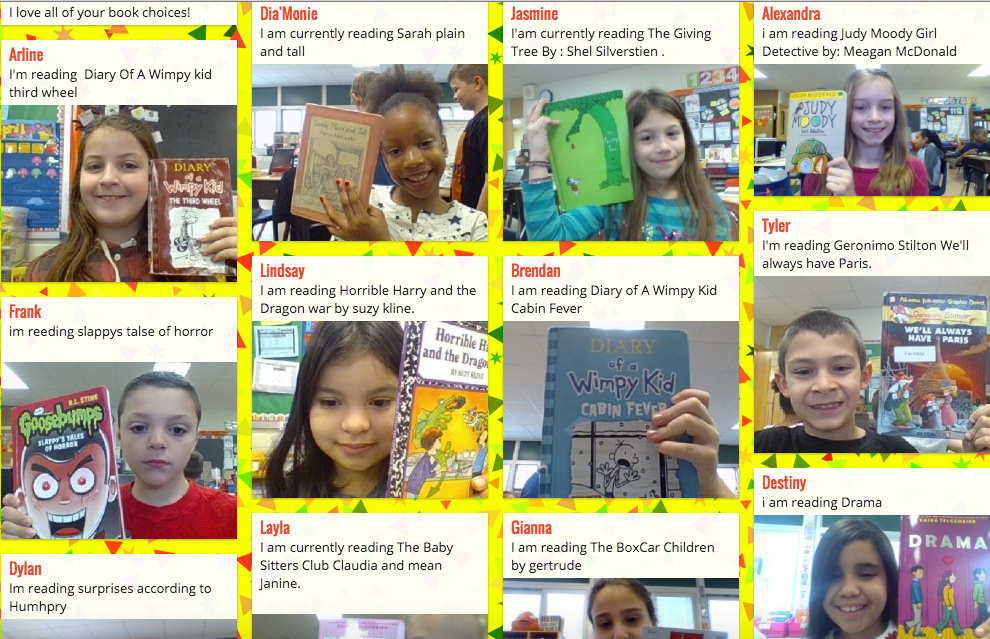
This is a great visual way to see what your students are reading. It is also a fantastic way for students to get book recommendations from others.
If you share your
|
Monday, 14 March 2016
Digital Bytes - March 14, 2016 Pi Day
14 March 2016
Pi Day - March 3
Today is Pi Day (3.14)! To
| |
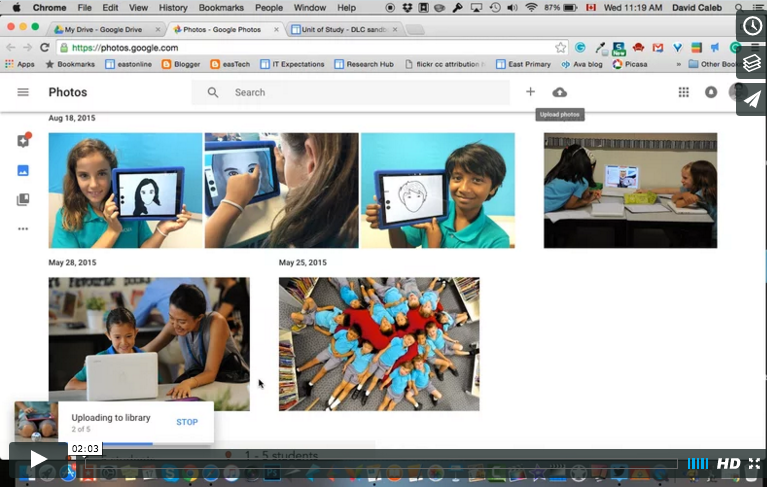
Google Photo Slideshow
Picasa photos
This tutorial will teach you how to embed your photos with ease. Give it a try now before Picasa surprises you and stops working one day.
| |
Learn About Film
Creating films is an essential skill for our students.
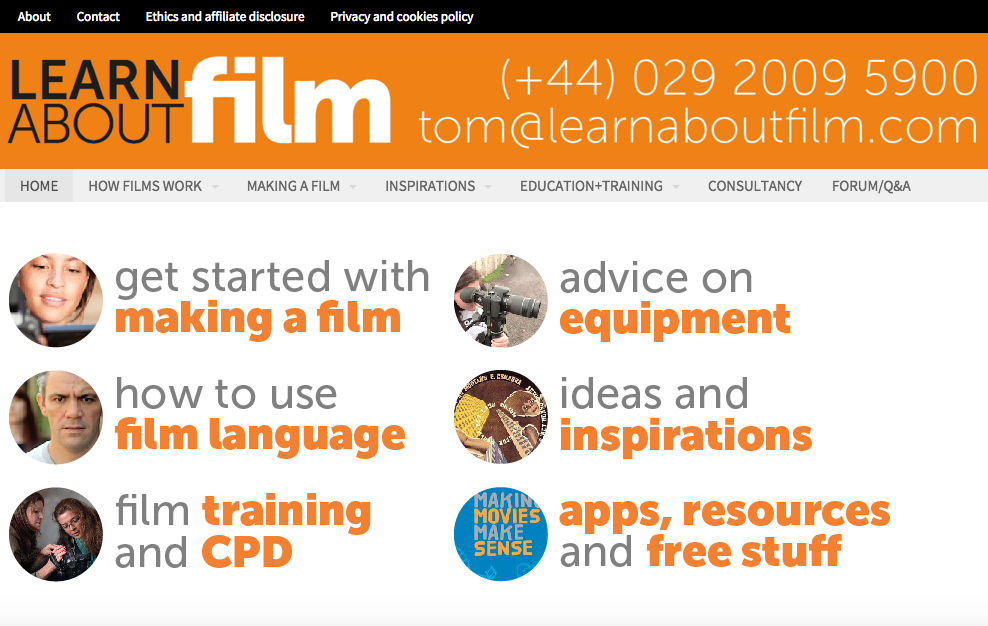
Learn About Film is an extensive website is a fantastic resource to support any level of filmmaker.
|
Monday, 29 February 2016
Digital Bytes - 29 February, 2016
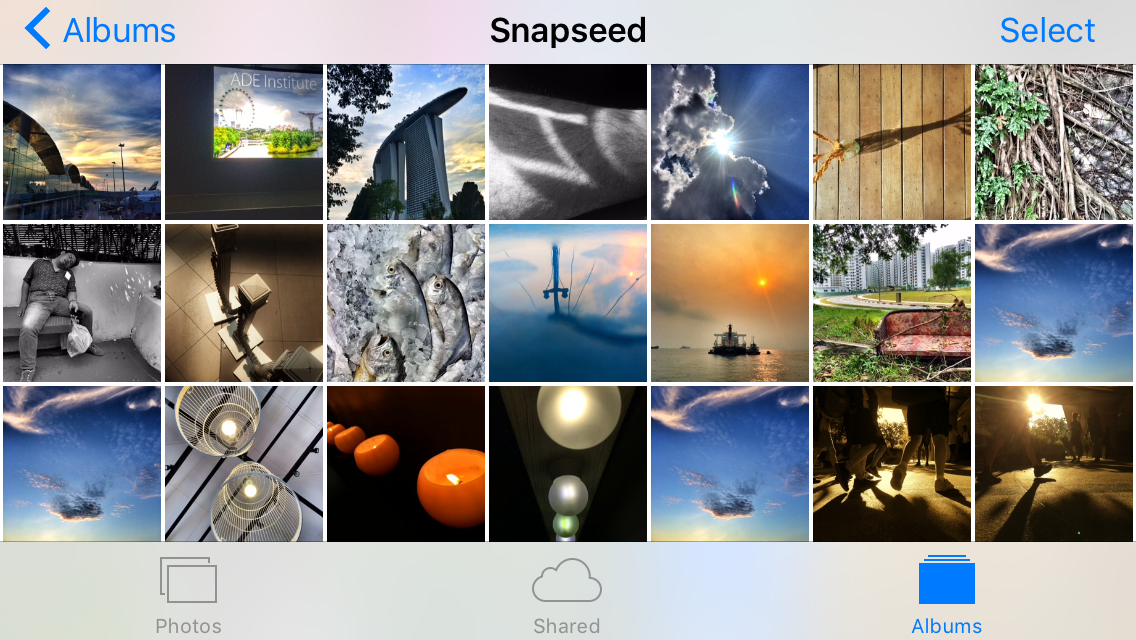
Managing Photos on Your iPad and iPhone
Some great tips for working with photos that you have already captured on your iPad or iPhone. Did you know you can quickly select multiple photos by dragging your finger over them? Did you know that you can search for photos by location or date? Have a look at some great tips in this article.
| |
Mathematics in Real Life
This YouTube video playlist has a number of riddles and maths problems that you can use with your class.
These are a great source to engage your students and explore problem solving with your class.
| |
7 Teaching Resources for Film Literacy
With the Oscars this week, it is a good time to look at film literacy. This site has a number of resources to help teachers including an interview with Martin Scorsese on the importance of film literacy and a number of activities and lesson plans.
|
Labels:
film,
iPad,
iphone,
Mathematics,
Maths,
photography,
photos,
video
Monday, 4 January 2016
Digital Bytes - January 4, 2016
Pixar in a Box
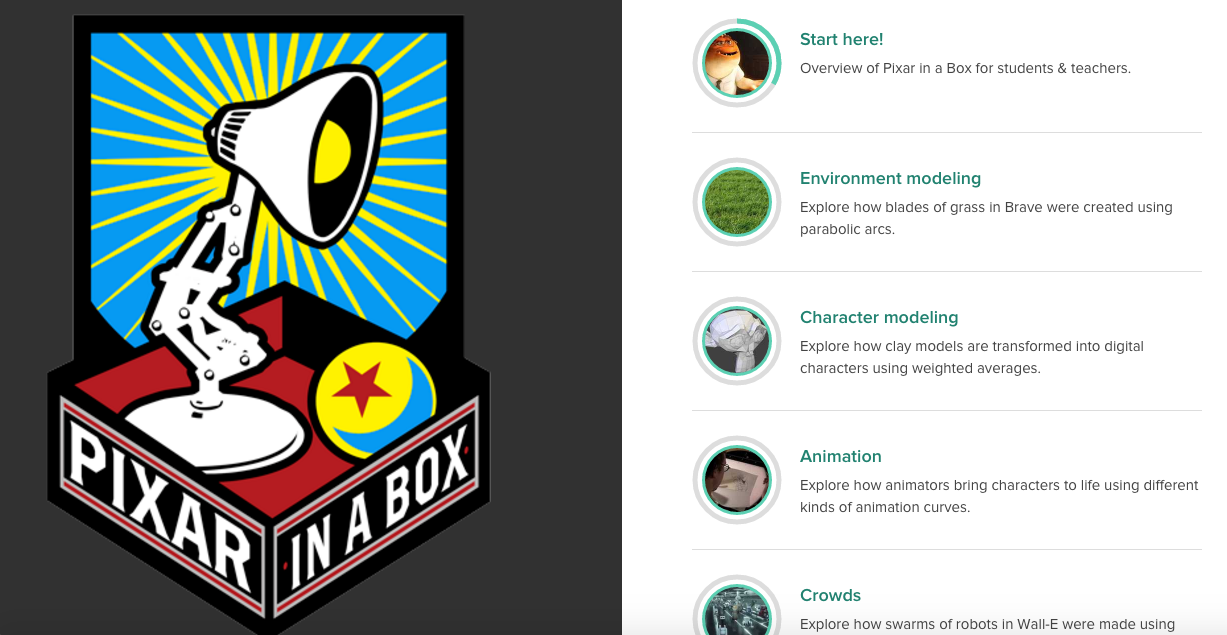
When I think of Khan Academy, I think of lessons for mathematics or science. They also have something called Pixar in a Box. Students can see what they are learning in school helps to creatively solve problems that the people at Pixar face when making films. This is something you might want to try for yourself or with your students.
| |
5 Great Sites for Finding Images on an iPad
We all know about Book Creator as it is such a fantastic tool for our students. The Book Creator team has shared 5 great sites for finding images on an iPad. You may be aware of a couple of them such as Photosforclass and Flickr but there are others that will help you find images for your students’s work. Each site is rated for: Design, Ease of Use, Search, Quality of Images and Explanation of Licensing.
| |
Word Cloud in Google Docs
You may have used Wordle to create a display of words where the more the words appear in your text, the larger the words are in the display. Now you can do this right in Google Docs using an Add-on called Tag Cloud. This is very useful for students to use in their writing to see what words they are using the most.
|
Labels:
google docs,
iPad,
photos,
Pixar,
Pixar in a Box,
search,
Word Cloud
Monday, 5 October 2015
Digital Bytes October 5, 2015
This week's Digital Bytes will change your life!
There are 3 fantastic articles: Converting photos of text into actual text using Google Drive, the importance of school leadership understanding the digital world and 33 digital tools for formative assessment.
Subscribe to:
Comments (Atom)